

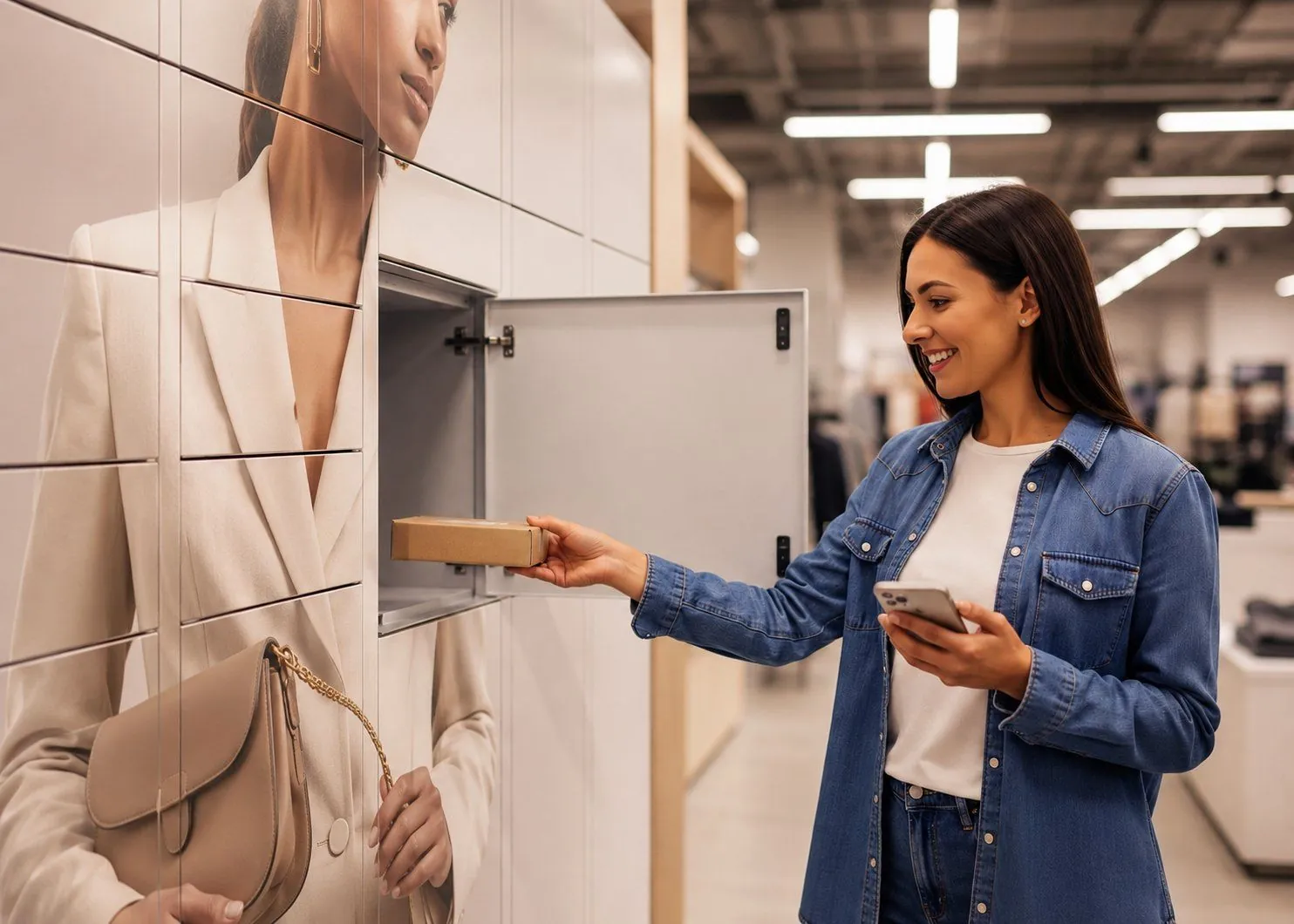
IT asset lockers for secure equipment management
Automate the collection, exchange and return of laptops and other IT equipment with secure, self-service IT asset lockers. IT assigns each device to a named employee, who collects it when it suits them, and every collection and return is recorded, so IT keeps a clear audit trail.
- IT decides who gets which device, and when
- Employees collect, exchange and return without a desk appointment
- Supports offices without permanent on-site IT
- Every collection and return recorded against a named user
- 24/7 access to the equipment IT has assigned






See how eLocker IT asset lockers work
From IT assignment to employee collection
How eLocker handles the collection, exchange and return of IT equipment through a secure self-service locker workflow.
Read the video transcript
Deliver, exchange or return IT equipment with IT click and collect lockers. You can start a collection, exchange or return on the online system, choosing from equipment preloaded in the lockers as stock. At this point, laptops can be provisioned specifically for an end user, or you can load equipment into the locker specifically for your end user.
Once the order is ready for collection, the end user gets a link by text or email. They open the locker through their web browser and can collect, exchange or return equipment, making the process as easy as one click.
As orders are completed, your live dashboard updates, keeping you informed in real time. The dashboard is backed by eLocker Analytics, which has over 20 reports, like the time it takes to pick up orders and the most popular locker sizes in your system.
eLocker is the easiest way to deploy, exchange or return equipment to your workforce. Smart lockers? Think eLocker.
A secure handover point between IT and your workforce
Getting a laptop to an employee shouldn’t depend on an IT technician and that employee being free in the same place at the same time.
Traditional handovers rely on exactly that. Across hybrid teams, several offices and sites without permanent IT support, those one-to-one handovers turn into a service management problem.
eLocker IT asset lockers give IT and the people it supports a secure, self-service handover point. A person in IT assigns each device, and the employee collects it on their own.
What IT asset lockers can do
- Hand a specific device to a specific employee
- Hold spare IT equipment until IT assigns it
- Swap a laptop in one visit, new one out and old one in
- Take back leaver, faulty and loan devices
- Keep compatible equipment charged while it waits to be collected
- Record every collection and return against a named user
- Share locker activity with your own systems through an open API
What they aren’t designed to do
- Let anyone take stock without IT assigning it first
- Sell items or take payment from employees
- Act as a vending machine for cables, mice and other consumables
If that matches what you need, let’s talk it through.
Book a 30-minute introductionHow IT equipment lockers work
From notification through to the completed handover, the employee journey is designed to be straightforward.
collect.elocker.com/it/88412
Why manual laptop handovers slow IT support down
The technical fix may already be done, but the physical handover can still keep the employee waiting. IT asset lockers take the handover out of a technician’s diary: IT prepares equipment on its schedule, and the employee collects on theirs.
The same laptop swap, two ways.
One needs two people in the same place at the same time. One does not.
- 1Employee raises a ticket and waits+ wait
- 2IT schedules a handover window+ delay
- 3Both travel to meet at the desk+ travel
- 4Swap, then notes typed up by hand+ admin
- 1IT loads the replacement when it suits them; the employee collects when readyinstant
- Employee gets a text when the locker is loadedself-serve
- Old device goes back in the same visitself-serve
The handover stops being a meeting. IT loads lockers on their schedule, employees collect on theirs, and the audit trail writes itself.
How much are IT equipment handovers costing your team?
Most IT teams know that getting equipment to employees, and getting it back again, takes time. What’s harder to see is how much IT effort, employee downtime and admin those handovers create.
Our free Workplace IT Diagnostic gives you a quick benchmark of how your current process performs.
Get your IT handover score in three minutes
Answer a short set of questions covering:
- Employee wait time
- IT effort
- Asset accountability
- Audit trail
- Ability to cope with peak demand
You’ll get an instant score and a short summary showing where your process is strong and where it could improve.
Start the free 3-minute diagnostic No sales call required to receive your resultConnect IT asset lockers to your existing IT workflows
The locker shouldn’t become another system for IT to manage. eLocker has a full open API, so your team can connect locker activity to the systems you already run.
Integration is optional. The lockers are designed to work on their own as a simple collection and return system, with every movement logged for IT.
Radio lockers for the City of London Police
When access to critical equipment can’t wait for desk hours, the handover has to be reliable, accountable and available when people need it.
Faster, always-on access to Airwave radios
Working with Motorola, eLocker upgraded the force’s locker installation from a wireless system to a fully wired enterprise setup. Officers collect radios and batteries around the clock once the support centre has granted them access, so every radio is tied to a named officer, even through large-scale events like the Coronation.
IT asset locker FAQs
What are IT asset lockers?
Secure, digitally managed lockers for handing out, exchanging and taking back workplace technology. IT assigns each item to a named employee, who collects or returns it without an IT technician managing every physical handover.
What equipment can IT asset lockers handle?
Laptops, phones, tablets, headsets, chargers and peripherals. Compartments are sized to your kit list, and powered compartments keep devices charged until they are collected.
Is it a vending machine?
No. Every collection is assigned by IT to a named person, whether the device was set up for them or picked from spare stock in the lockers, and only that person can open the locker. Nobody browses stock and there is no payment step. If you need a vending or dispensing machine, eLocker is the wrong fit.
Can IT asset lockers be used for laptop swaps?
Yes. IT prepares a replacement and assigns it to the employee, who collects it and returns their old device to the same compartment in one visit.
Can IT asset lockers support employee onboarding?
Yes. New starter equipment can be prepared in advance and assigned for collection, so a new employee doesn’t need a face-to-face IT handover on day one.
Can employees return equipment when they leave?
Yes. The lockers give leavers a secure return point, and each return is recorded against their name.
How do employees authenticate?
Badge, SSO or a personalised one-time link, set up around the access your organisation already uses.
Can eLocker integrate with our IT systems?
eLocker has a full open API, so your team can connect locker activity to the systems you already run. Integration is optional: the lockers are designed to work on their own as a simple collection and return system.
Do IT asset lockers work in offices without on-site IT?
Yes, that’s one of the main uses. IT manages the workflow centrally, and employees collect and return equipment without a technician there for each handover.
How many IT asset lockers does an office need?
It depends on how many device handovers and swaps you run. As a rule of thumb, an office of 200 to 300 people needs one IT asset locker.
What happens if someone doesn’t collect their device?
We hold it for a period you set. When that runs out, the order expires and the kit can go back to the IT team for the next person who needs it.
How long does installation take?
A few hours. The lockers are plug and play.
Can we start with one office?
Yes. A pilot lets you measure ticket times, engineer hours, locker use and employee experience before you decide whether to expand.
See whether IT asset lockers fit your workplace
Every routine equipment handover takes someone’s time.

“If laptop collections, exchanges and returns are causing delays for employees or repetitive work for IT, we can help you work out whether moving those handovers to a secure self-service workflow makes operational and commercial sense.”