


Most IT teams are not short of systems.
They already have a service desk platform, asset records, device management tools, security controls, procurement workflows and more dashboards than anyone wants to admit. So when another piece of workplace technology is introduced, the first question is rarely about features.
It is this:
Will this create another system for IT to manage?
It is the right question. Every new tool has to justify the time it asks from the team. If it adds admin, training, support tickets or hidden integration work, it quickly becomes part of the problem it was meant to solve.
But workplace IT lockers should not be seen as another system in that sense.
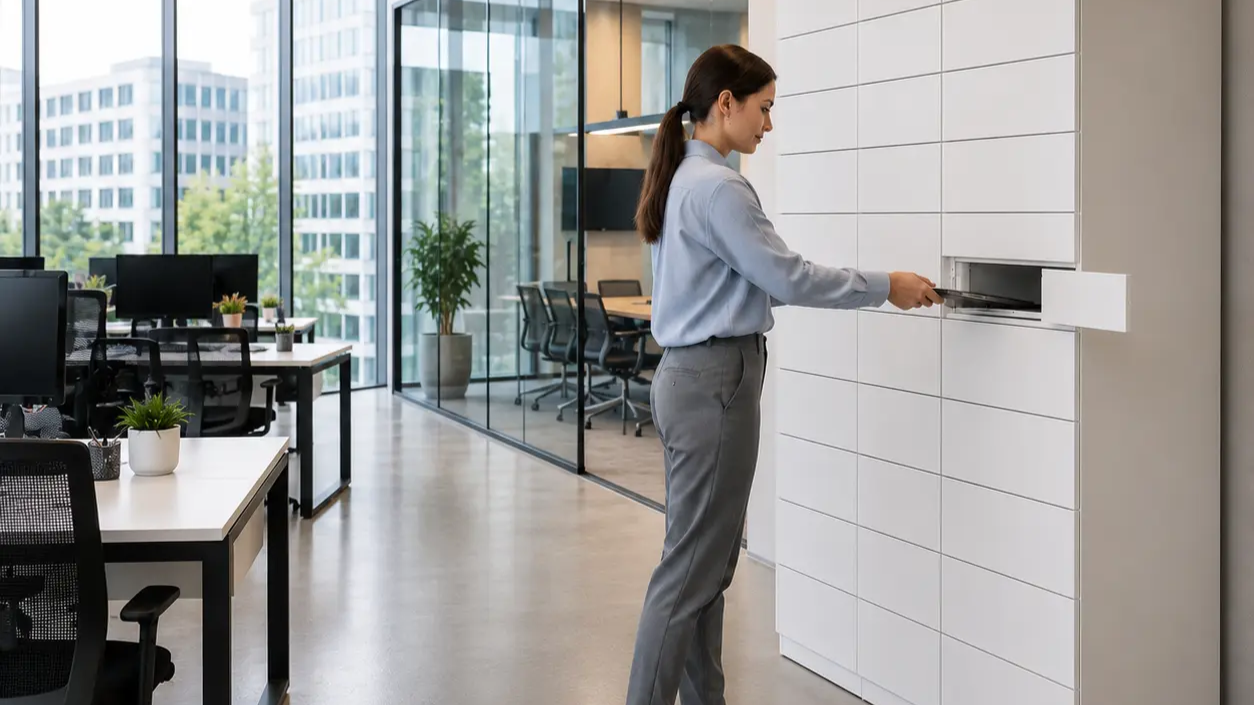
At their best, workplace IT lockers remove a manual process that IT is already managing every day: the physical handover of equipment.
Laptops, phones, peripherals, loan devices, replacement kit and returned assets all need to move between IT and employees. The challenge is not usually knowing what needs to happen. The challenge is that someone has to be available, in the right place, at the right time, to make it happen.
That is where the friction sits.
The real issue is the last physical mile of IT support
A broken laptop is not always a difficult IT problem.
Often, the diagnosis is quick. The replacement device exists. The user is authorised. The ticket is understood.
But the employee still cannot work because the replacement has to be collected, delivered, handed over, logged or returned through a manual process.
That is the last physical mile of IT support.
It is where service delivery slows down for reasons that have very little to do with technical capability. A user may be in a different office. The person with access to the kit cupboard may be in a meeting. A new starter may need equipment before IT is physically available. A leaver may return a device late, informally or not at all.
None of this feels strategic. But it consumes time, creates noise and makes IT look less responsive than it really is.
Employees judge IT by outcomes. They do not separate the ticket from the handover. If they cannot get working, the service feels slow.
So, will workplace IT lockers create more work for IT?
No. Not when it is scoped properly.
Workplace IT lockers are designed to reduce the manual coordination involved in IT equipment collection, return and exchange. Instead of relying on face-to-face handovers, reception desks, courier workarounds or unnecessary journeys between offices, IT can make equipment available through a secure, controlled, self-service workflow.
A user receives access. They collect the right item. The transaction is recorded. Returned equipment can move back through the same controlled process.
That does not replace IT’s existing systems. It fills the physical workflow gap those systems cannot solve on their own.
The important point is that workplace IT lockers do not need to become a heavy IT project on day one. It can start with specific use cases such as replacement laptops, new starter kit, peripherals, loan devices or leaver returns. Integration with ticketing or asset systems can come later if it removes enough work to justify the effort.
That is the difference between adding software and removing friction.
Why this matters in hybrid and multi-office businesses
Hybrid work has changed the shape of IT support.
CIPD research also found that 74% of organisations had hybrid working in place in 2025.
The practical consequence is clear. Devices move more often. Employees are less predictable in where they work. Offices are used differently. IT is still expected to provide fast support, even when users are spread across several locations.
That creates a gap between service expectation and physical availability.
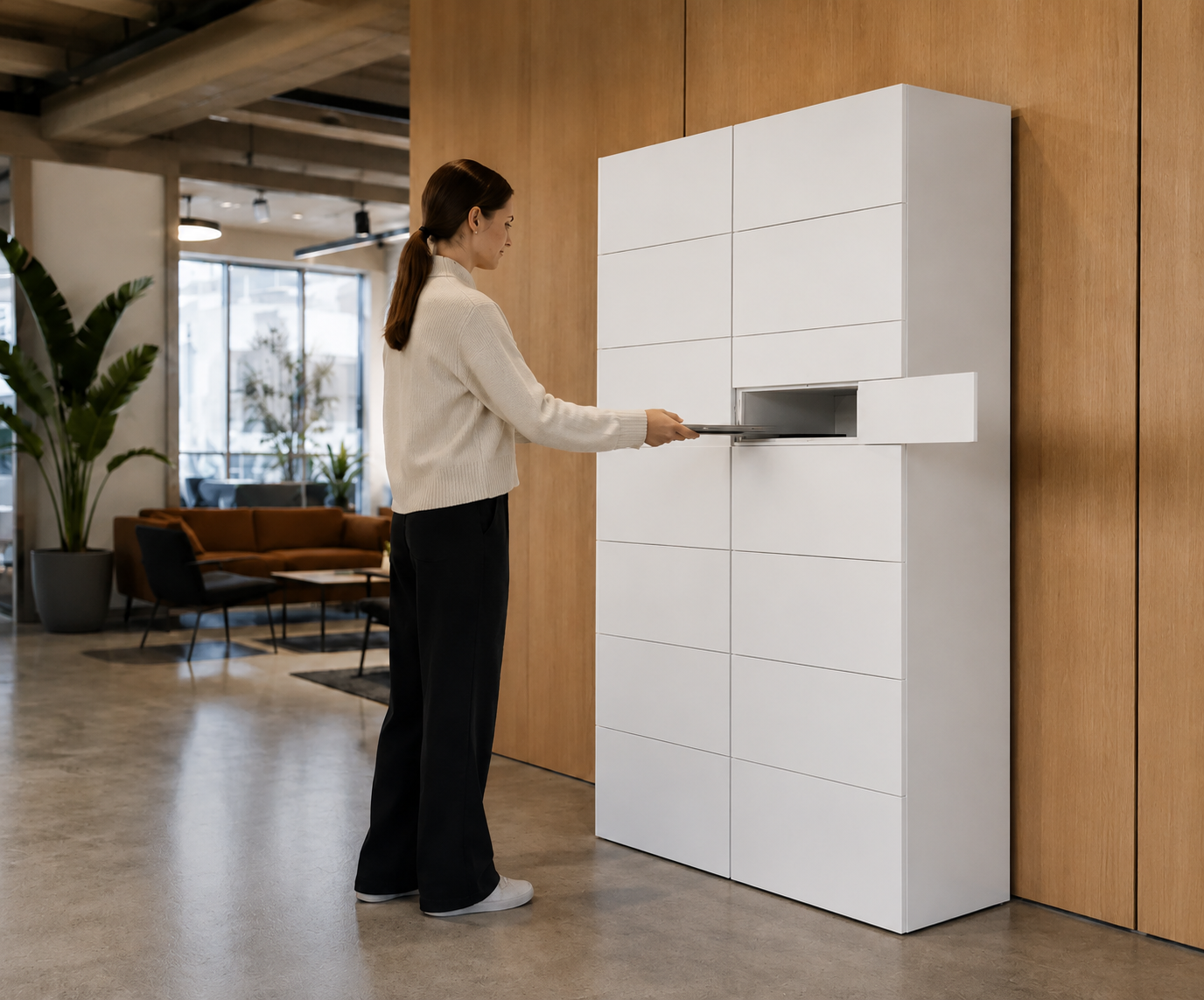
Workplace IT lockers help close that gap. They give employees a controlled access point for the equipment they need, without requiring IT to be physically present for every exchange. For lean teams, that is the point. It extends service availability without extending the team.
What workplace IT lockers take out of the working day
The value is not that IT has a locker.
The value is that IT removes a manual handover process that already takes time, creates interruptions and slows employees down when they need equipment.
A well-scoped workplace IT locker workflow reduces face-to-face device handovers, routine collection interruptions, unnecessary travel between offices, chasing for unreturned assets, employee waiting time and informal workarounds through reception or local colleagues.
Each moment may look small on its own. Together, they create a drag on the service desk and make IT’s response feel slower than it really is.
That is where the reputational issue sits. When a senior stakeholder is waiting for a replacement laptop, they rarely see the separate causes behind the delay. They do not distinguish between diagnosis, stock, access, courier timing or office logistics. They experience one outcome: they are still not working.
Workplace IT lockers help remove that weak point by making equipment handover faster, more controlled and less dependent on someone being physically available at the exact moment the user needs support.
That is why physical handover should be treated as part of IT service delivery, not as an afterthought.
A practical example: the replacement laptop
Imagine someone arrives at the office before an important client call and their laptop fails.
In a traditional model, the service desk may resolve the issue in principle but still need someone to physically hand over a replacement. If the right person is off-site, the equipment is locked away, or the user is in another office, the process slows down.
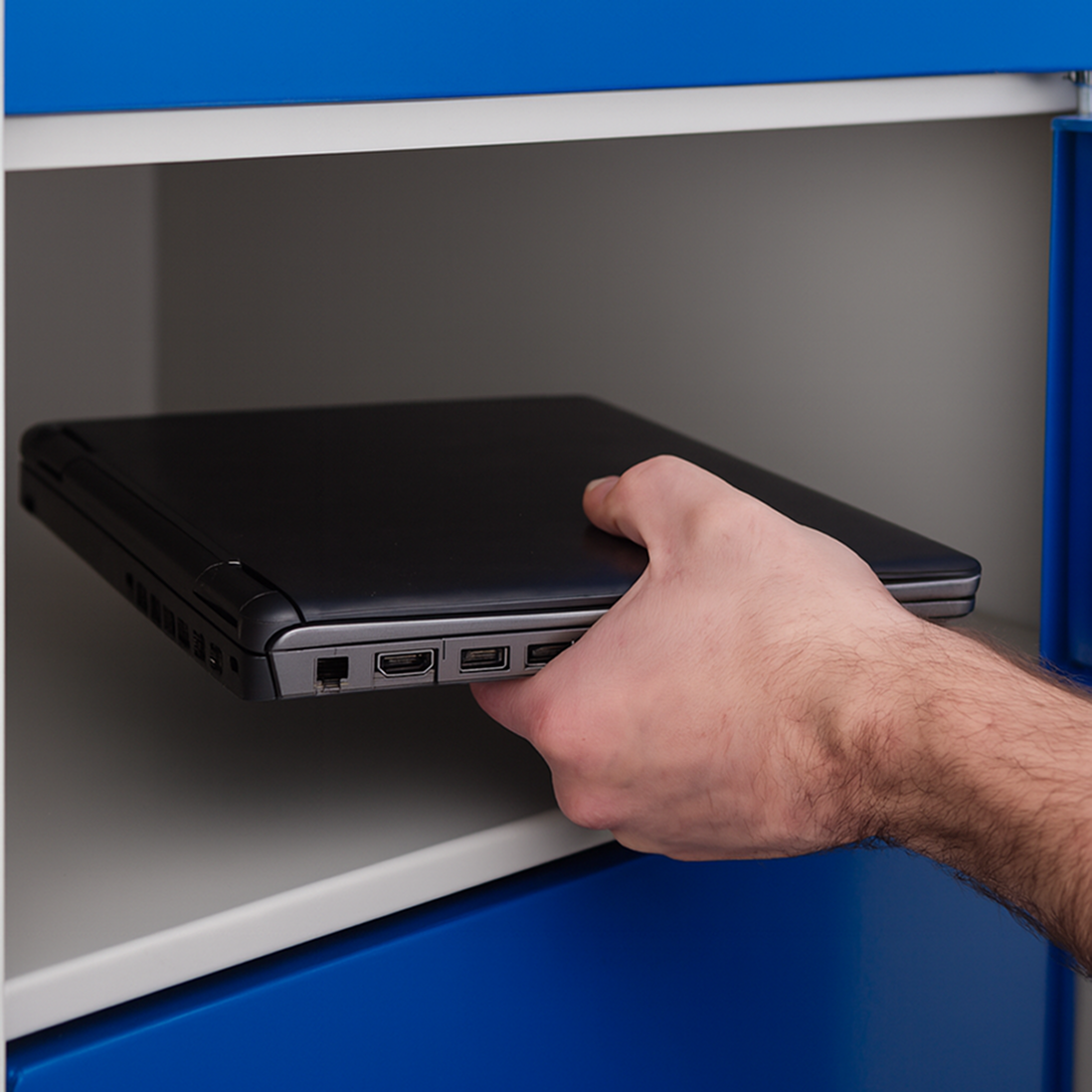
With workplace IT lockers, IT can place a prepared replacement device in a secure compartment, or keep suitable equipment ready for fast collection, then authorise the user to collect it. The faulty laptop can be returned through the same workflow.
The result is not a more complicated IT process. It is a simpler one.
The user gets working faster. IT avoids a manual interruption. The handover is visible. The team is not relying on memory, goodwill or somebody being available at exactly the right moment.
A practical example: supporting multiple offices
Multi-office support is where the problem becomes even clearer.
Many IT teams are centralised, while employees are distributed. That often leaves three poor options: travel to the user, ask someone local to help, or make the user wait.
Each option has a cost.
Travel wastes time. Local workarounds weaken accountability. Waiting damages productivity and perception.
A workplace IT locker deployment gives the business a secure, standardised equipment point in the locations that need it. That could be a main office, a regional hub or a satellite site where employees regularly need access to replacement devices, loan kit or peripherals.
IT still controls the process. But it no longer has to be physically present for every transaction.
Start with the workflow that hurts most
The fastest way to make any new technology feel heavy is to over-scope it.
A first workplace IT locker deployment does not need to solve every IT asset movement problem across the organisation. It should start with the workflow causing the most visible friction.
That might be replacement laptops in the main office. Leaver returns across two sites. New starter equipment collection. Peripherals and loan devices. Device refresh collection and return.
Once the first workflow is clear, the operating model becomes easier to define. What goes in the locker? Who loads it? Who authorises access? What does the user receive? What happens if something is not collected? What reporting does IT need?
Those questions are not bureaucracy. They are what make the deployment clean.
The strongest workplace IT locker deployments are deliberately simple at the start. Define the use case, install the unit, agree the loading workflow and make collection and return easy for the user. That is why it can be bought and deployed as a practical service improvement, not a long transformation project.
Integration should be useful, not automatic
One of the most important decisions is whether to integrate immediately.
In some organisations, integration with a service desk or asset platform will make sense. It may reduce duplication, improve the end-to-end record and make the workflow smoother at scale.
But integration should not be treated as a condition of value.
For many teams, the smarter route is to prove the handover workflow first. Run it simply. Measure usage. Identify the repeated admin points. Then decide where integration genuinely removes work.
That phased approach protects the team from turning a practical service improvement into a larger IT project too early.
The aim is not to avoid integration. The aim is to make sure integration earns its place.
Why deployment timing matters
Corporate IT does not have a single trading peak in the same way retail or warehousing does. But there are still better and worse windows for deployment.
Quieter office periods, lower footfall, fewer site changes and fewer competing projects can make it easier to install, test and embed a new workflow before business activity intensifies again.
The point is not to rush. The point is to avoid waiting until support pressure is already high.
Once onboarding, office moves, device refreshes or heavier business rhythms begin, IT has less space to introduce a cleaner process. The organisations that move with confidence are usually the ones that use quieter periods to remove friction before it becomes visible again.
The answer IT needs
So, will workplace IT lockers create another system for IT to manage?
No. Done properly, workplace IT lockers remove work from IT by automating the physical handover of equipment.
It gives employees a secure, self-service way to collect and return devices. It gives IT better visibility and control. It can start simply, without forcing a major integration project, and then scale as the workflow proves itself.
The risk is not the existence of another interface. The risk is poor scoping.
If workplace IT lockers are deployed as a clear workflow for a clear service problem, it reduces burden. If it is treated as a broad technology project with unclear ownership, it can become heavier than it needs to be.
That is why the best deployments start small, prove value quickly and expand from a point of confidence.
Final thought
IT teams have every right to be sceptical of tools that promise efficiency while quietly creating work.
They have seen enough platforms, portals and dashboards to know that “simple” often means simple for the buyer, not for the team that has to run it.
That is the standard workplace IT lockers are designed to meet.
It makes equipment handover faster, more visible and less dependent on people being in the same place at the same time. It helps IT support hybrid and multi-office employees without stretching the team further. It reduces the number of moments where service delivery slows down because the physical process has not kept up.
Done properly, workplace IT lockers are not another system for IT to manage.
It is one less manual process for IT to carry.
If your IT team is spending too much time handing over, chasing or moving equipment between users and offices, eLocker can help you put a simple workplace IT locker workflow in place quickly, with a plug-and-play setup designed to reduce manual effort from day one. Book a discovery call