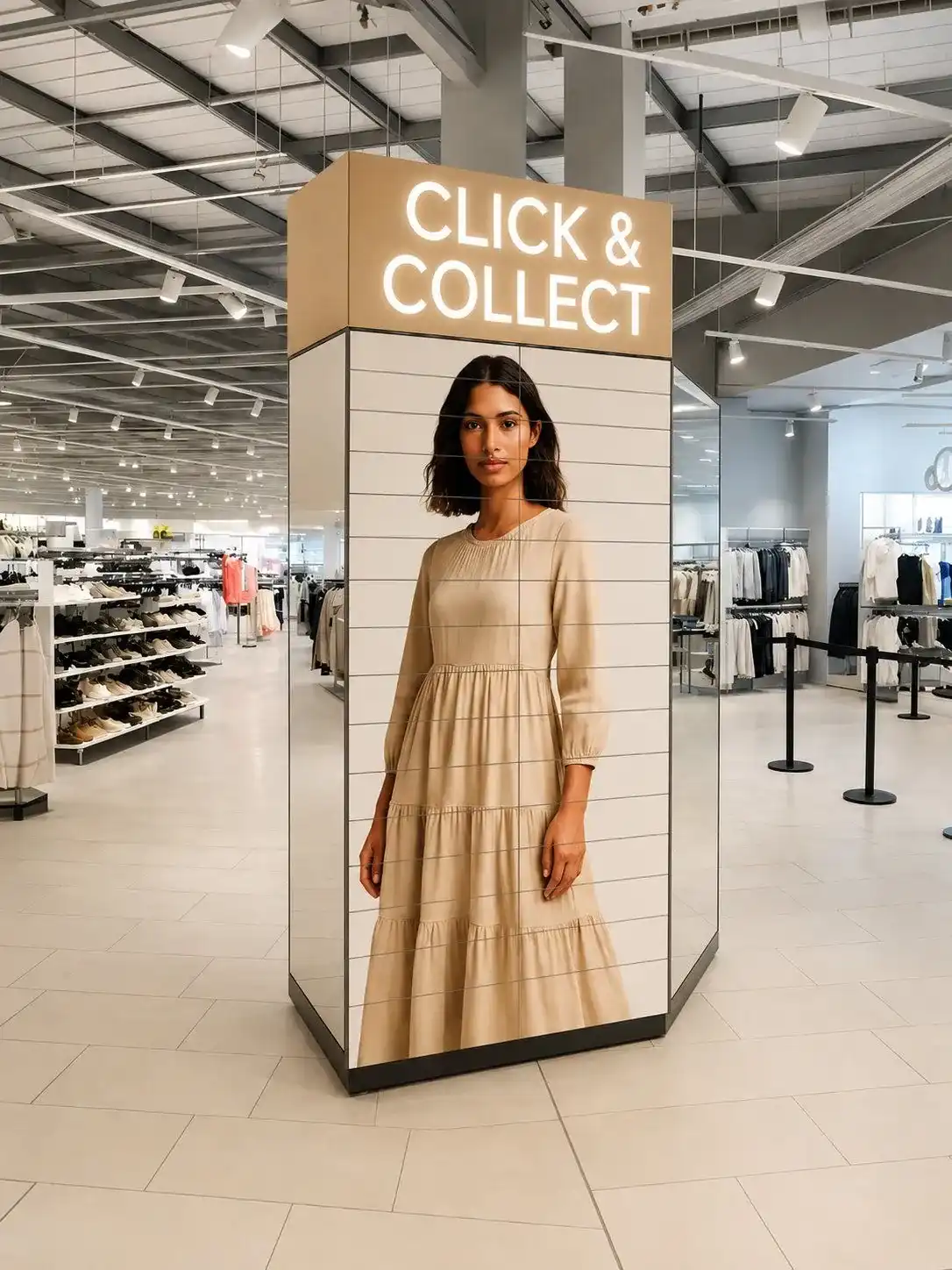
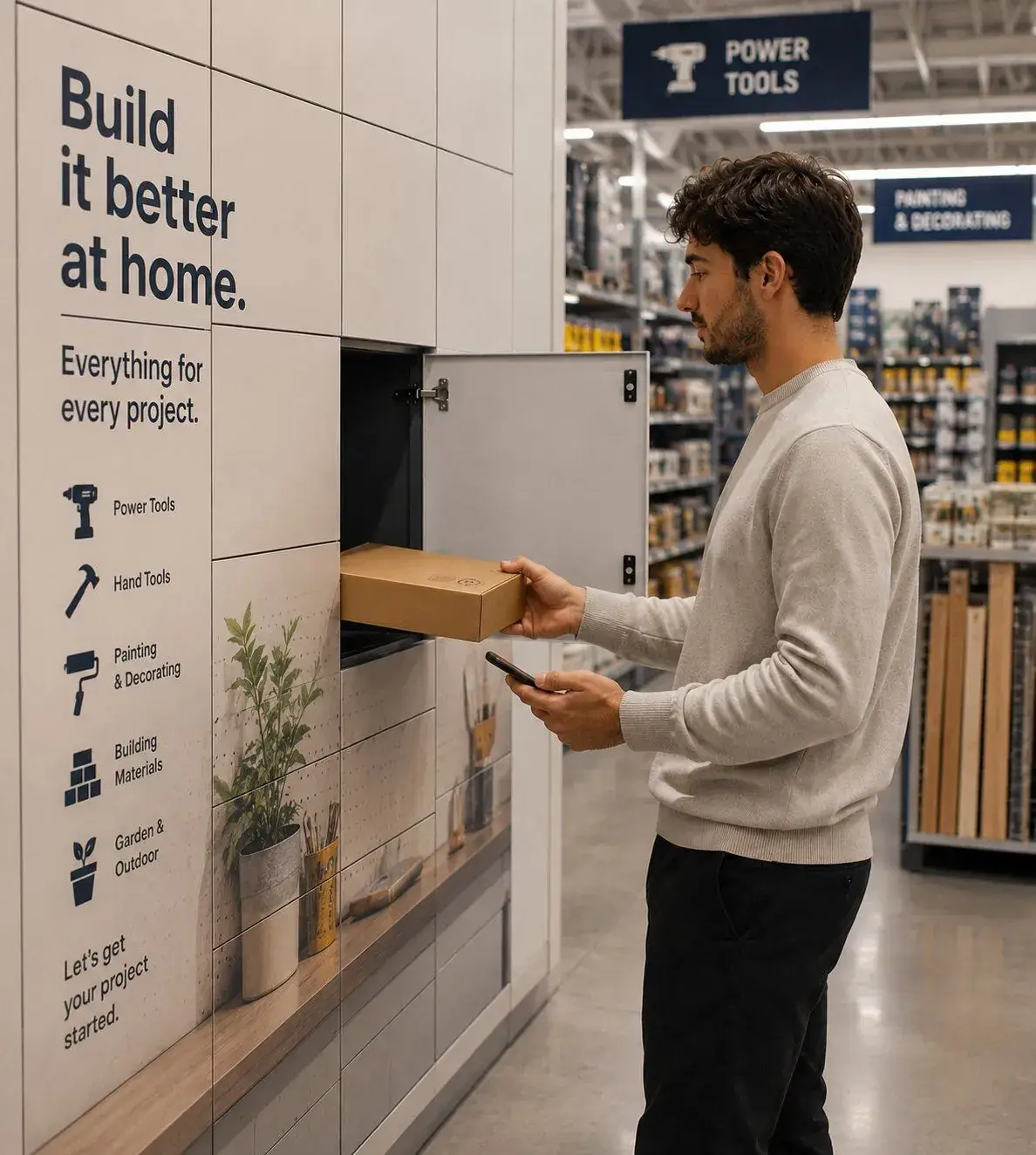
Smart lockers for retail, warehouse and workplace
The eLocker platform runs five workflows, grouped into three solution families. Pick the family closest to your operation, or compare all five side by side.
Collection and return solutions
eLocker Retail
Click & Collect, Retail Returns and Grocery Courier Handover. Customer and courier facing, opened from a phone.
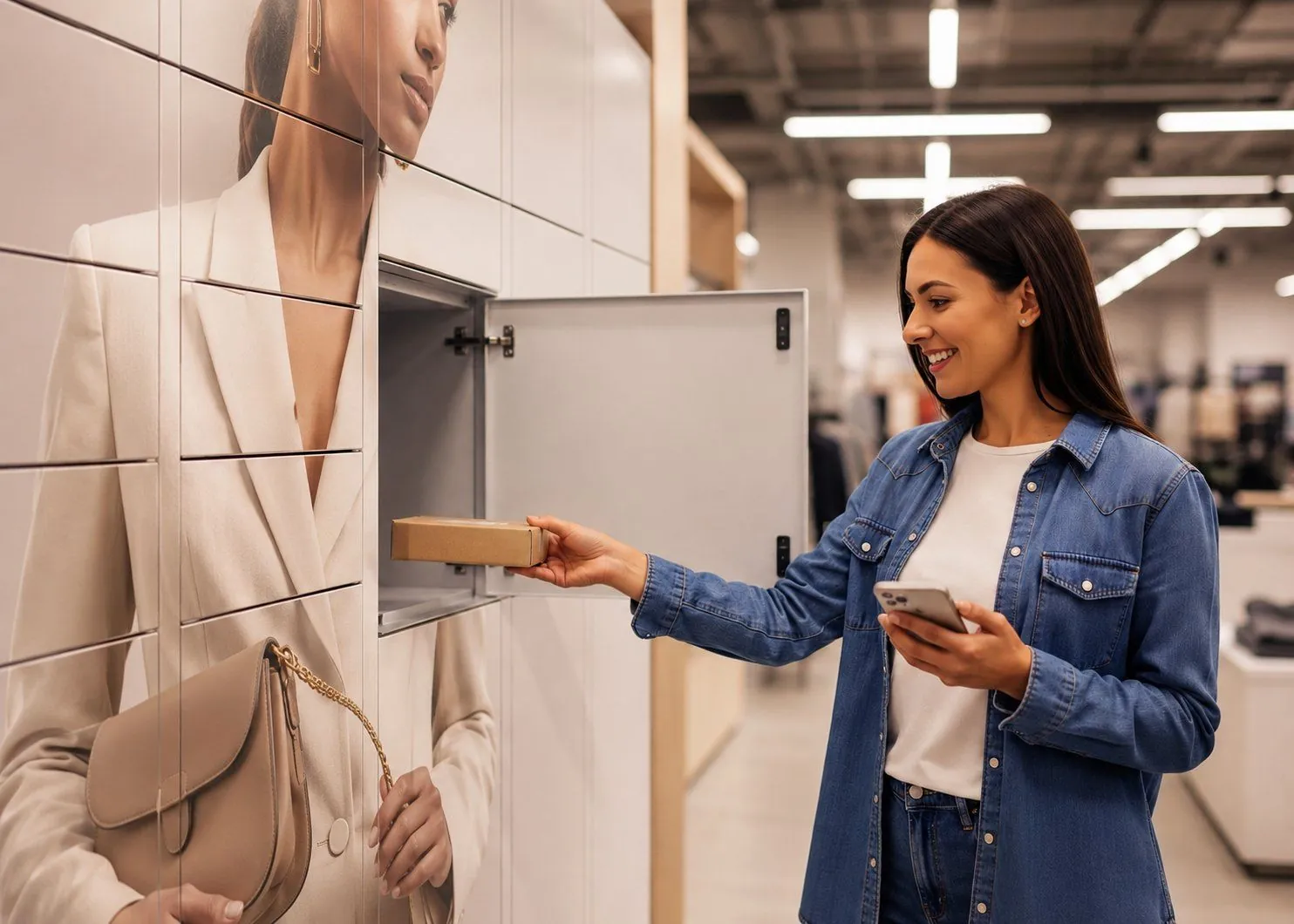
Click & Collect Lockers
Self-service collections customers run from their own phone.
Explore click & collect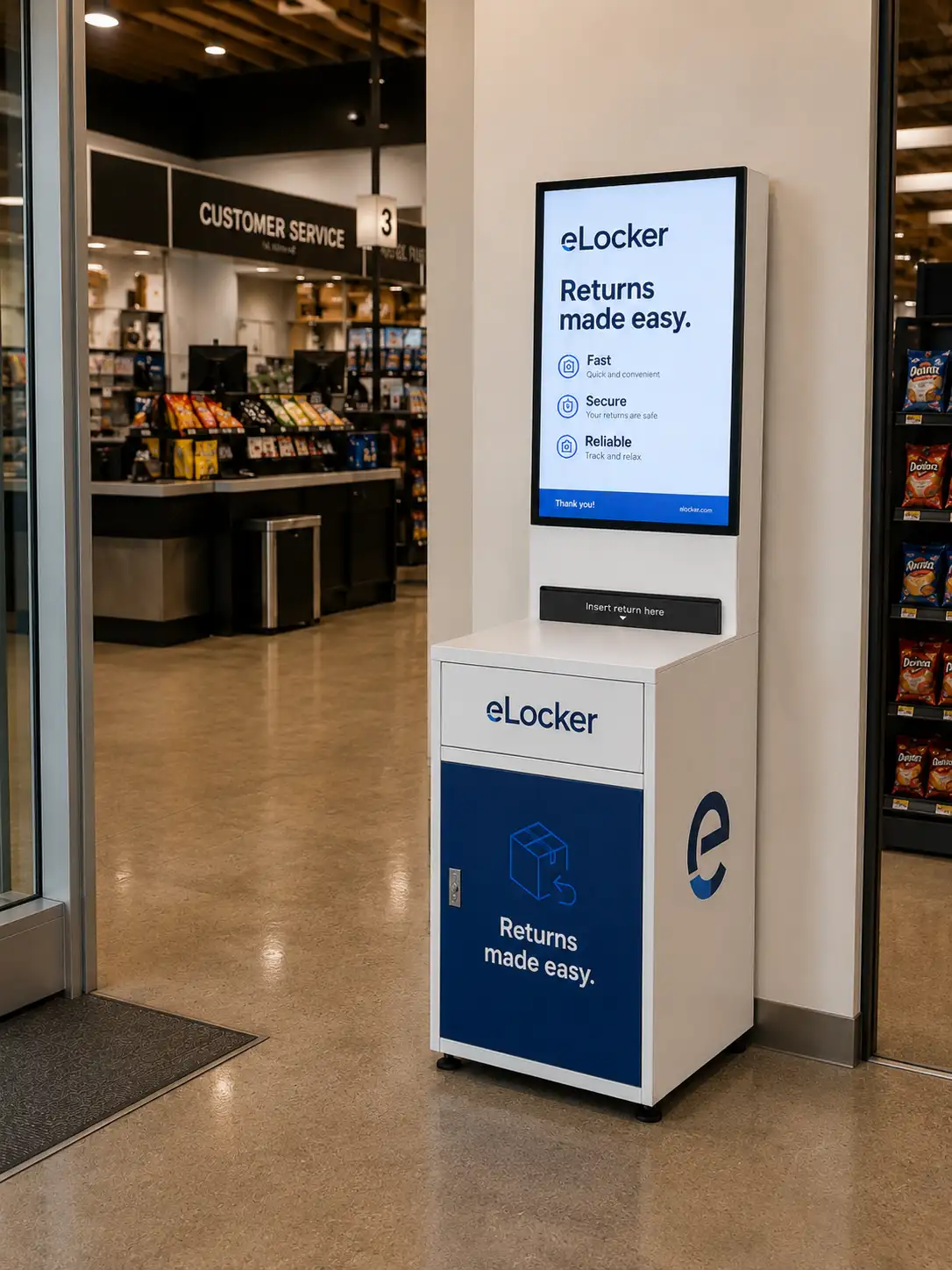
Retail Returns Lockers
Self-service returns and exchanges customers drop off without the desk.
Explore retail returns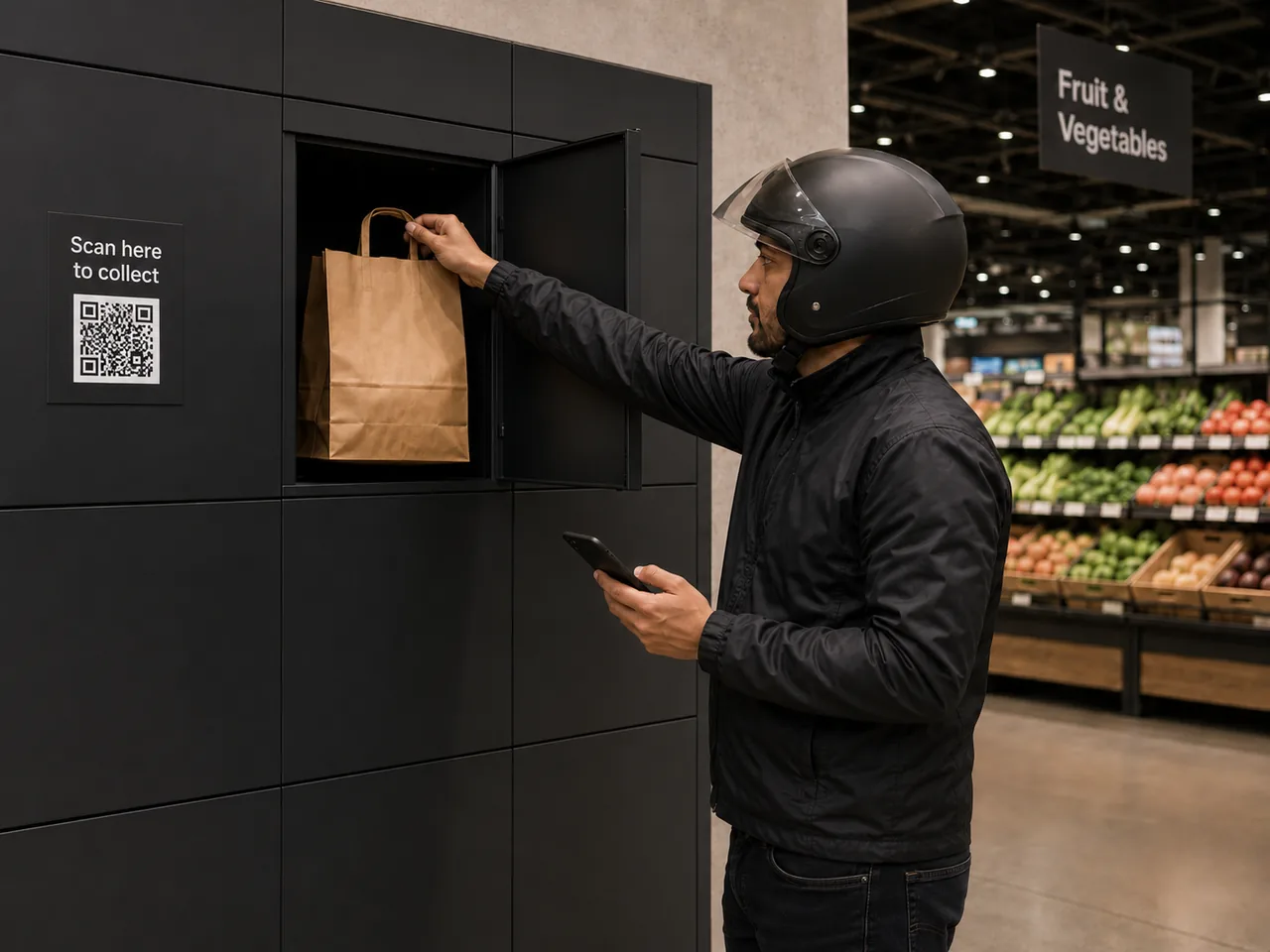
Grocery Courier Handover
Rapid grocery orders handed to couriers without the counter.
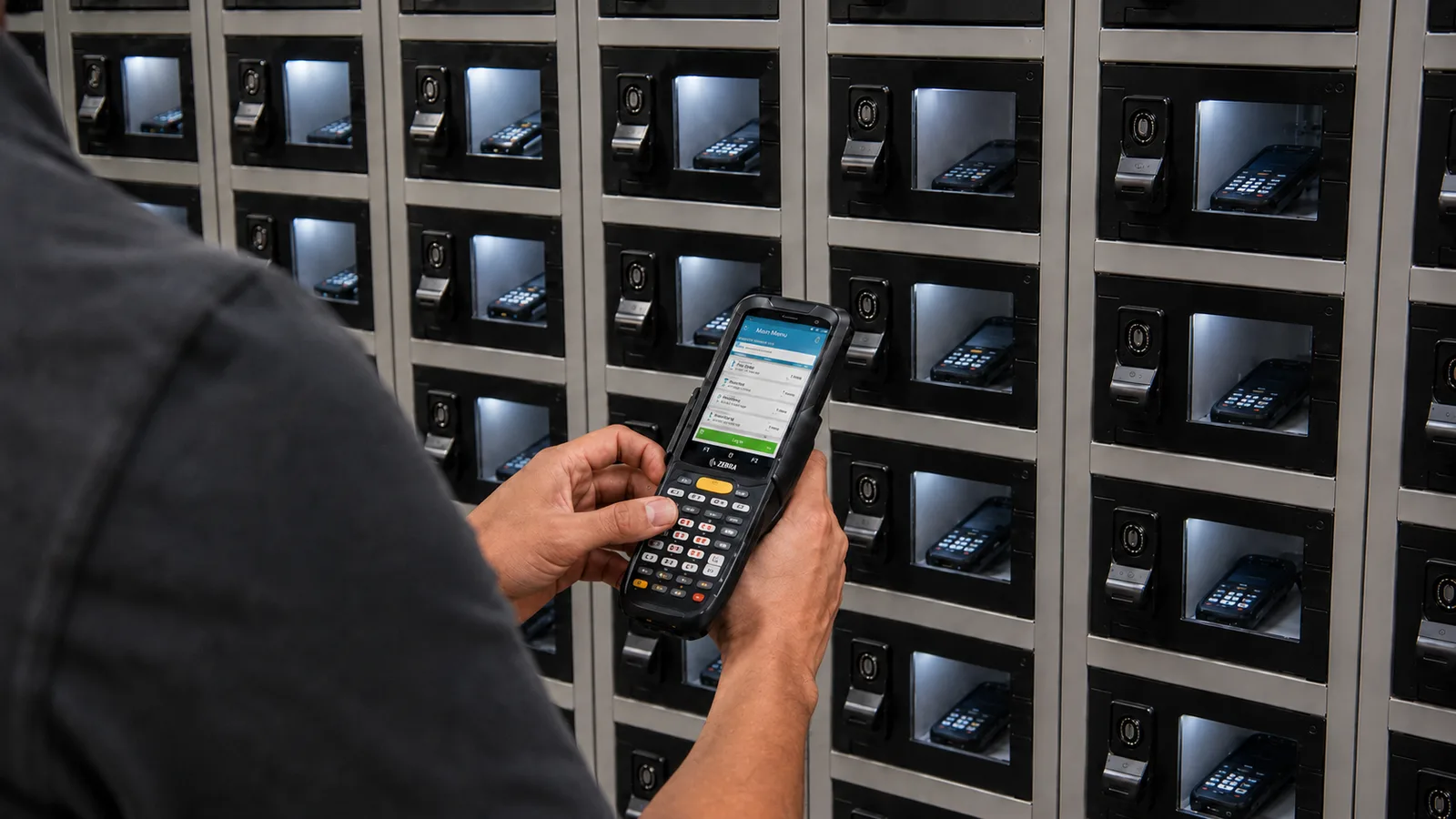
Explore courier handovereLocker Warehouse
Warehouse Asset Management. Scanners, radios and handhelds issued against a named worker.
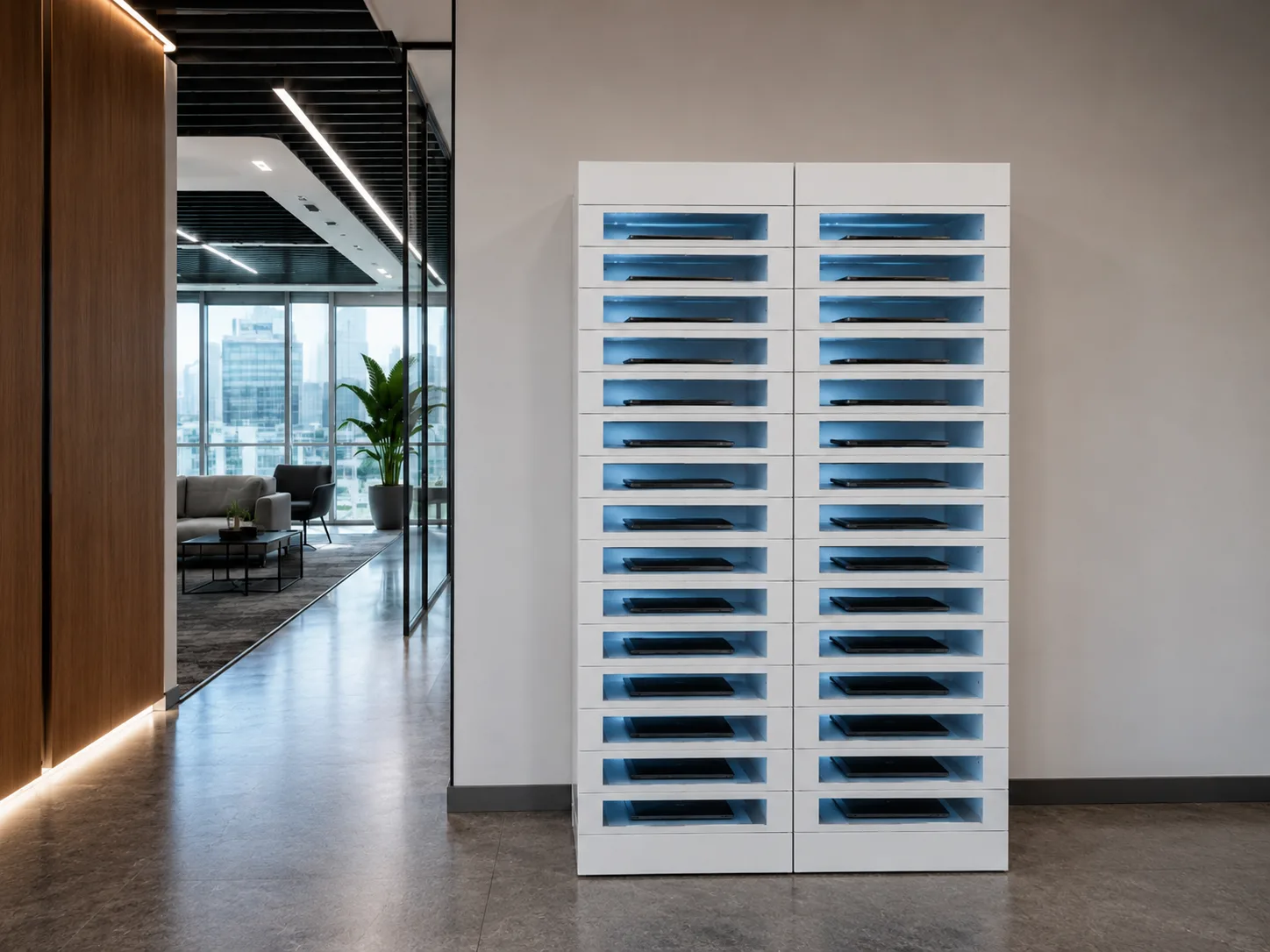
eLocker Workplace
IT Asset Collection, IT Asset Return and IT Equipment Swaps, handled without an IT desk.
How to choose a smart locker solution
Start with the handover you want to remove. Four questions usually settle which solution fits.
Who opens the locker?
Customers, couriers, warehouse workers or employees. That decides the access method: a mobile web link for customers, an order code for couriers, a badge or fob for staff.
What goes in it?
Online orders and returns, chilled grocery orders, shared scanners and radios, or laptops and peripherals. The item sets the locker size, whether it needs charging or temperature control, and how long it can wait.
Which manual step does it replace?
The service desk, the returns counter, the equipment cage or the IT desk. Whatever that step costs you today in colleague time is where the business case comes from.
How will you prove it?
Most eLocker solutions start with a pilot in a single store, site or office, measured on usage, time saved and exceptions before anything is rolled out.
Which one fits your problem?
Start with the lead problem. Columns run in family order, Retail first, then Warehouse and Workplace.
| Compare | RetailClick & Collect | RetailRetail Returns | RetailGrocery Courier Handover | WarehouseWarehouse Asset Management | WorkplaceIT Equipment Lockers |
|---|---|---|---|---|---|
| Lead problemStart here | Desk queues and cost-to-serve | Returns queues and restock lag | Couriers waiting and wrong bags | Loss, damage and accountability | Downtime and handover admin |
| Headline numberProven on a pilot | 24× less colleague time | No desk needed for returns | 3→1 colleague touchpoints | 4.5× faster shift change | Zero IT visits per swap |
| Who uses it | Customers | Customers | Couriers | Workers | Employees |
| What moves | Online orders and collections | Returns and exchanges | Rapid grocery orders | Scanners, radios, devices | Laptops, peripherals, loans |
| How they open it | Mobile web link | Mobile web link | Order code on the locker screen | Access badge or eLocker card / fob | Access badge or eLocker card / fob |
| Proof model | Single-store pilot | Single-store pilot | Multi-store proof of concept | Single-site pilot | Single-office pilot |
| Explore | Explore | Explore | Explore | Explore |
One platform under every solution
All five workflows run on the same eLocker locker management system. Access, notifications, the audit trail and reporting work the same way whether the locker holds a click and collect order or a warehouse scanner, so adding a second workflow later doesn't mean adding a second system.
Smart locker solution FAQs
What is a smart locker solution?
Connected lockers plus the software that decides who can open which door, tells them when to come, and records every collection and return. eLocker runs five workflows this way across retail, warehouse and workplace sites.
Which eLocker solution do I need?
Start with who opens the locker and what goes in it. Customers collecting or returning orders points to eLocker Retail. Shared devices on a warehouse floor point to eLocker Warehouse. Laptops and peripherals for employees point to eLocker Workplace.
Can one platform run more than one workflow?
Yes. Every workflow runs on the same platform, so a site can add returns to click and collect, or IT handovers to warehouse assets, without a second system to manage.
Do the lockers need access to our IT network?
No. eLocker connects over its own cellular link, so there's no access to your IT network or WiFi to grant.
Can we test a smart locker solution before rolling it out?
Yes. Most start with a pilot in a single store, site or office. It measures usage, time saved and exceptions, so the rollout decision rests on your own numbers.
Do customers or couriers need an app?
No. Customers open their locker from a link sent by text or email, couriers use an order code on the locker screen, and staff use an access badge or an eLocker card or fob.
Ready to replace manual handovers?
Start with the problem. Prove the value. Then scale with confidence.