A locker bank sized to your peak, in the space you have
The same approach across retail, warehouse and workplace: we measure, model and prove the economics on one of your sites before any rollout.
See how we do it
See every workflow side by side and find the right fit.
Compare solutionsEnterprise-grade security and the integrations to slot eLocker into the systems you already run.
Security & integrations“What is a smart locker?” is a plain-English primer on how automated collections and returns actually work.
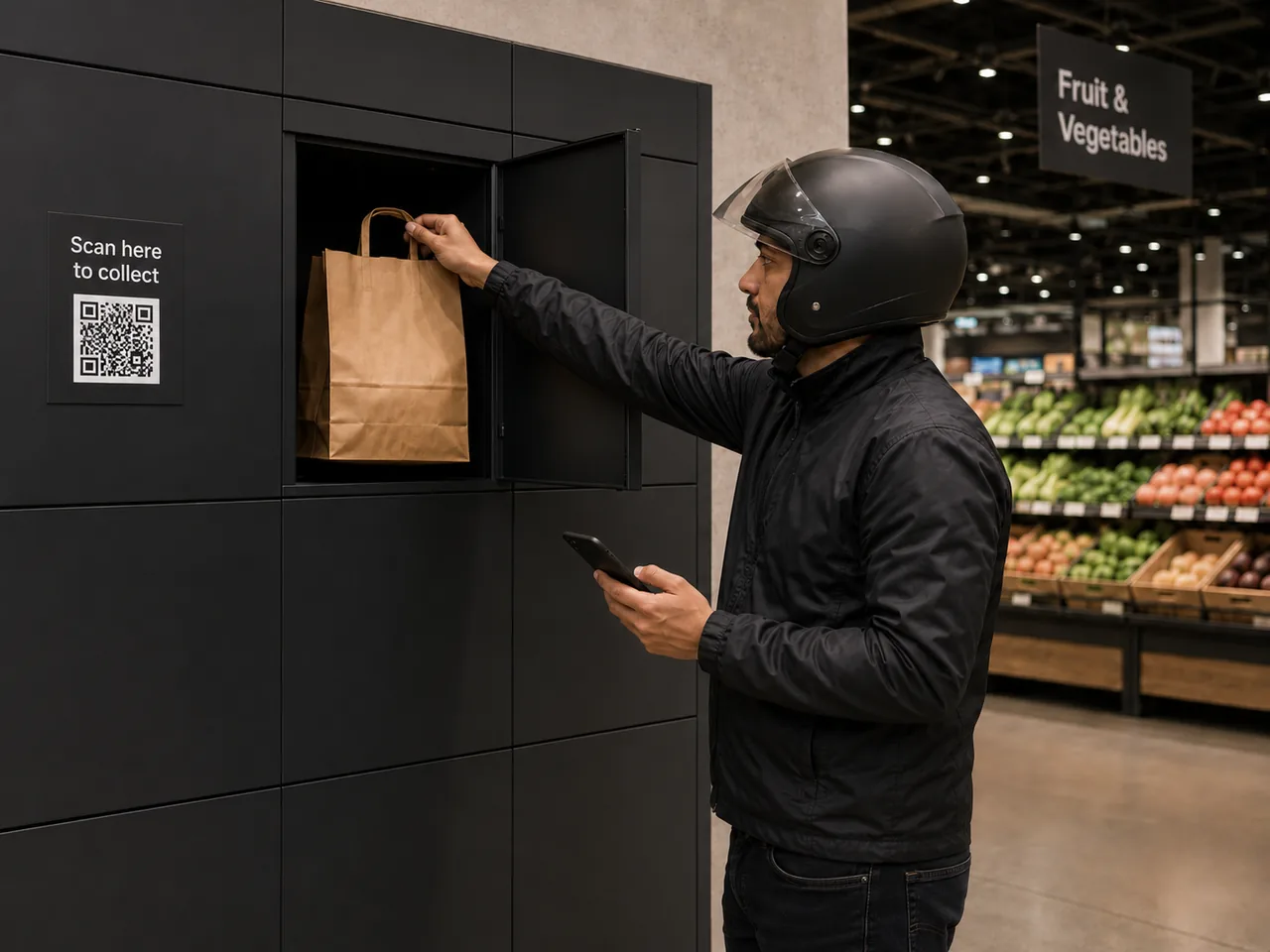
Read the guideHand rapid-delivery grocery orders to couriers without the counter. A colleague places the order in a locker; the courier collects it with their order code, with no app and no waiting for a colleague.


 Your own rapid service
 Rapid grocery runs to the minute. But the handover is still manual: couriers crowd the kiosk, colleagues are pulled off picking to find and check bags, and the wrong order goes out the door more often than anyone would like.
Couriers and shopping customers collide at the same kiosk, creating queues and mess where customers should feel looked after.
A single order can take three colleague touchpoints, picking it, setting it aside, then finding and checking bags for the courier, each one a break in service.
When orders sit together at the counter, couriers pick up the wrong bags, and missing-item refunds and poor ratings follow.
Uber's own guidance tells delivery people to wait up to 15 minutes when an order is not ready. A locker holds the order ready to collect, so couriers aren't left waiting at the counter. Source: Uber Help, 2026. Cited as industry context.
eLocker replaces the manual courier handover with self-service collection from smart lockers: your colleague places the order once, and the courier collects it themselves with their order code.
An order comes in from a delivery app and is picked in store.
The colleague places the bags in a locker. The holding timer starts.
At the locker screen, the courier keys in the order code. No app.
Only the right locker opens. The bags go out, and it is logged.
Not a locker on its own. eLocker is the workflow, access and reporting around the courier handover, so orders move out of the store cleanly and you keep a record of every one.
The courier collects at the locker screen using the last four digits of the order number. There is nothing to download and no account to set up.
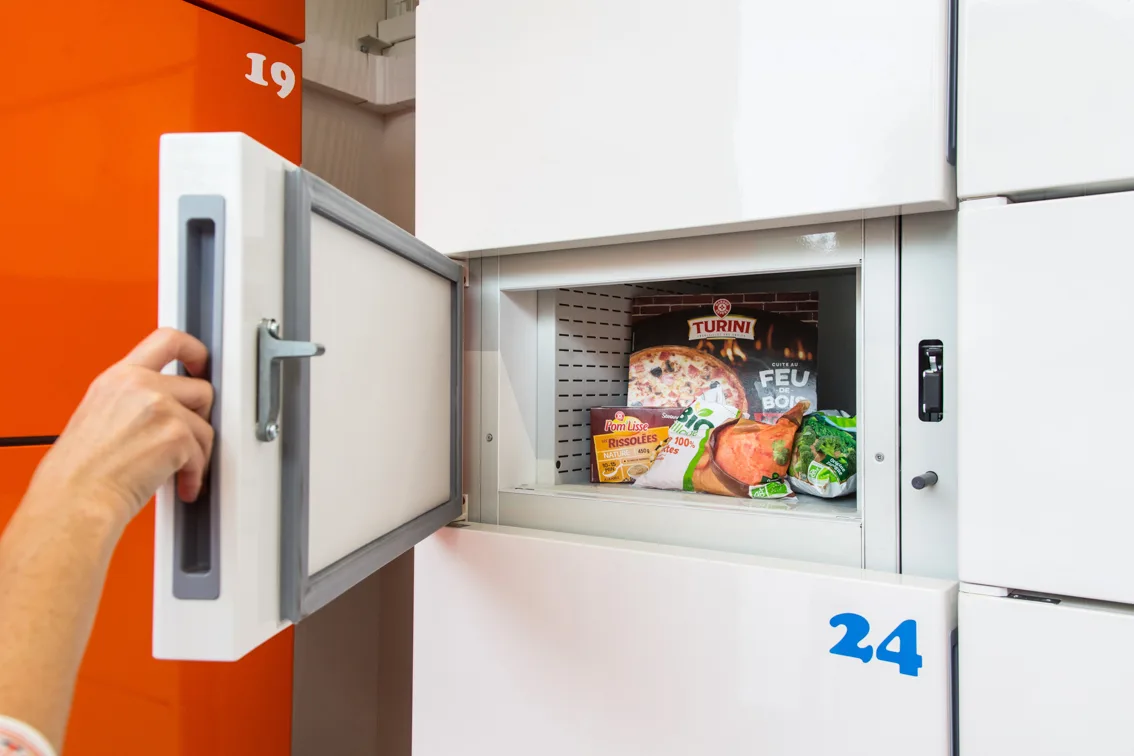
Rapid orders sit for minutes, not hours, so ambient lockers do the job without the cost of refrigeration. Chilled compartments are available where a workflow needs them.
Set a window for the cold chain and eLocker alerts the store if an order has not been collected in time, for example after 30 minutes.
The colleague picks the order and places it straight into a locker on the same screen, replacing several separate handover steps.
Each load and collection is recorded against the order, giving you a clear audit trail and an answer when a partner queries a delivery.
Modular units that install with minimal disruption and sit alongside your existing kiosks, sized to hold a peak of orders and your largest items.
Where colleague time and interruptions come from today, and what is left with a locker.
Three colleague touchpoints become one, the courier collects themselves, and the customer-facing front of store stays clear.
The order arrives however your store receives it today. eLocker handles the part that slows everyone down: the physical handover.
One continuous task at the locker screen, with no separate kiosk hand-off.
No app to install, and nobody waiting on a colleague to find the right bags.
Courier collection is new enough that we will not wave a headline number at you that we cannot stand behind. Instead a proof of concept measures the things that matter, on your sites, against your baseline:
The same courier workflow, measured both ways across a handful of stores, so the change is clear to the people signing it off, before any wider rollout.
How long an order takes from picked to collected, before and after. The courier wait at the counter is the part a locker removes.
The colleague time taken out of each order when three touchpoints become one, modelled at your own hourly rate.
Instances of couriers taking the wrong or incomplete order, and the missing-item refunds that follow, with orders kept separate per locker.
How many orders are collected inside your set cold-chain window, and how often the alert is needed.
Customer ratings on the delivery, and what store teams say about working with the lockers day to day.
Usage and performance data shared back for the post-trial review, so the decision to scale is grounded in evidence.
The pull is sharpest in rapid grocery, but the same courier handover works for any operation sending prepared orders out with a delivery partner.
Supermarket and on-demand orders fulfilled in store and handed to a delivery partner against the clock.
Smaller stores with high order frequency, where there is no room for couriers to crowd the counter.
Any prepared-order operation handing food to riders can use the same self-service handover.
No. The courier collects at the locker screen using the last four digits of the order number. There is nothing to download.
For rapid delivery, orders sit for minutes, not hours. eLocker holds them in ambient lockers and raises an alert if an order has not been collected within your set window, for example 30 minutes. Chilled compartments are available where a workflow needs them.
No. It runs standalone on a simple order code, so a proof of concept can start without integrating with your picking or partner technology. Deeper connections can be considered once it is proven.
The handover uses the order code only, so there is minimal personal data involved at the locker.
Yes. A measured proof of concept across a handful of stores is the usual first step, against the operational measures that matter to you.
These are for courier handover. For customer click and collect, including chilled and frozen, see our retail click and collect solution.
Start with a proof of concept on a handful of stores. Measure the handover. Then decide how to scale.

“Happy to talk through how courier handover could work in your stores. Send a few details and I’ll come back with what we need to scope a proof of concept.”