
A practical guide to how IT teams use smart lockers to automate device collection, swaps, loans and returns, reduce manual handovers and improve support across distributed workplaces.
Modern IT support is increasingly digital, but one part of the service remains stubbornly physical.
Laptops still need to be replaced. Peripherals need to be issued. New starters need equipment. Leavers need to return devices. Faulty kit has to move back to IT. Loan equipment needs to be controlled.
These handovers can appear small in isolation, but they become difficult to manage when employees are spread across multiple offices, IT teams are centralised and support expectations continue to rise.
The technical issue may be resolved in minutes. The physical exchange can take considerably longer.
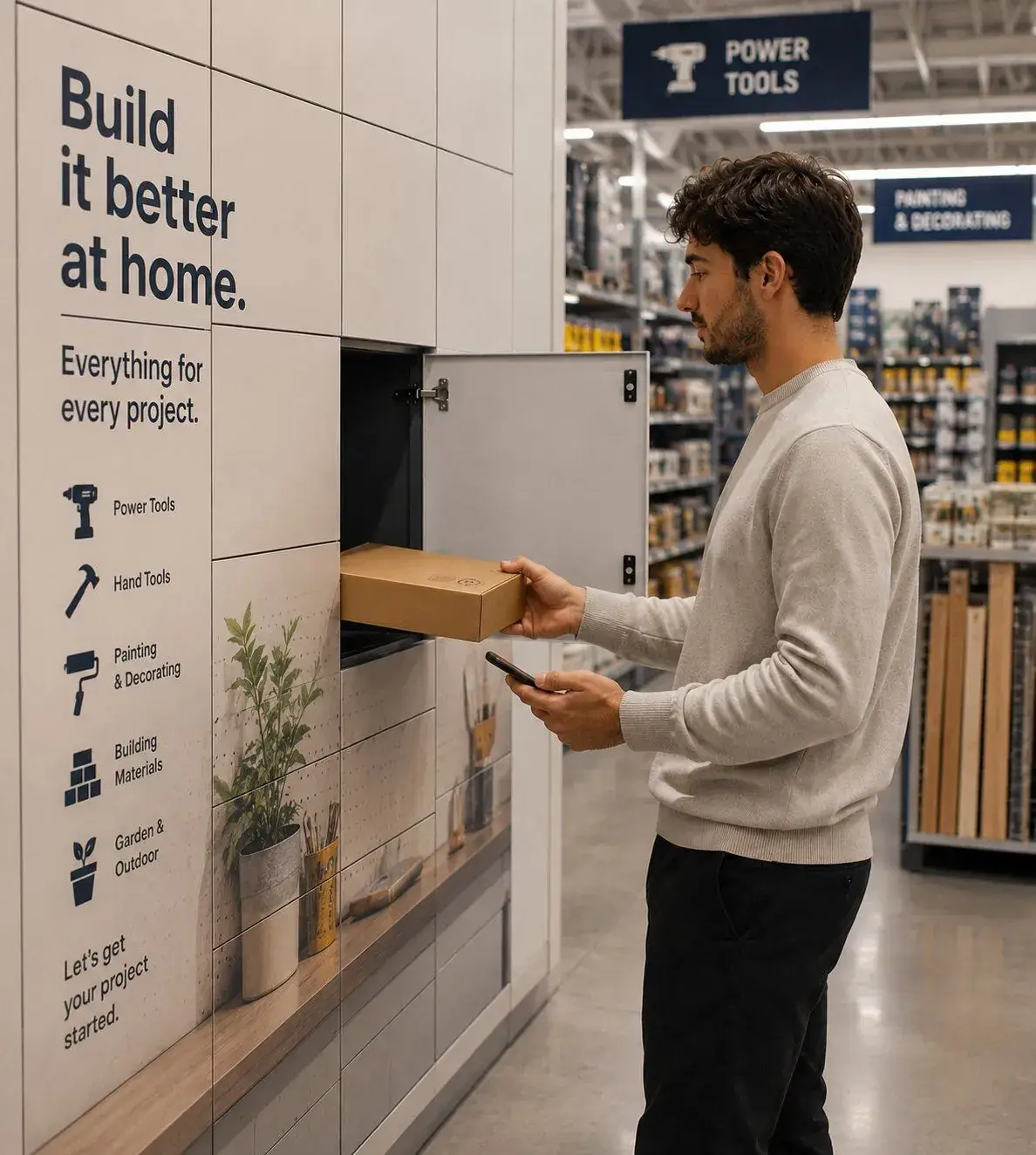
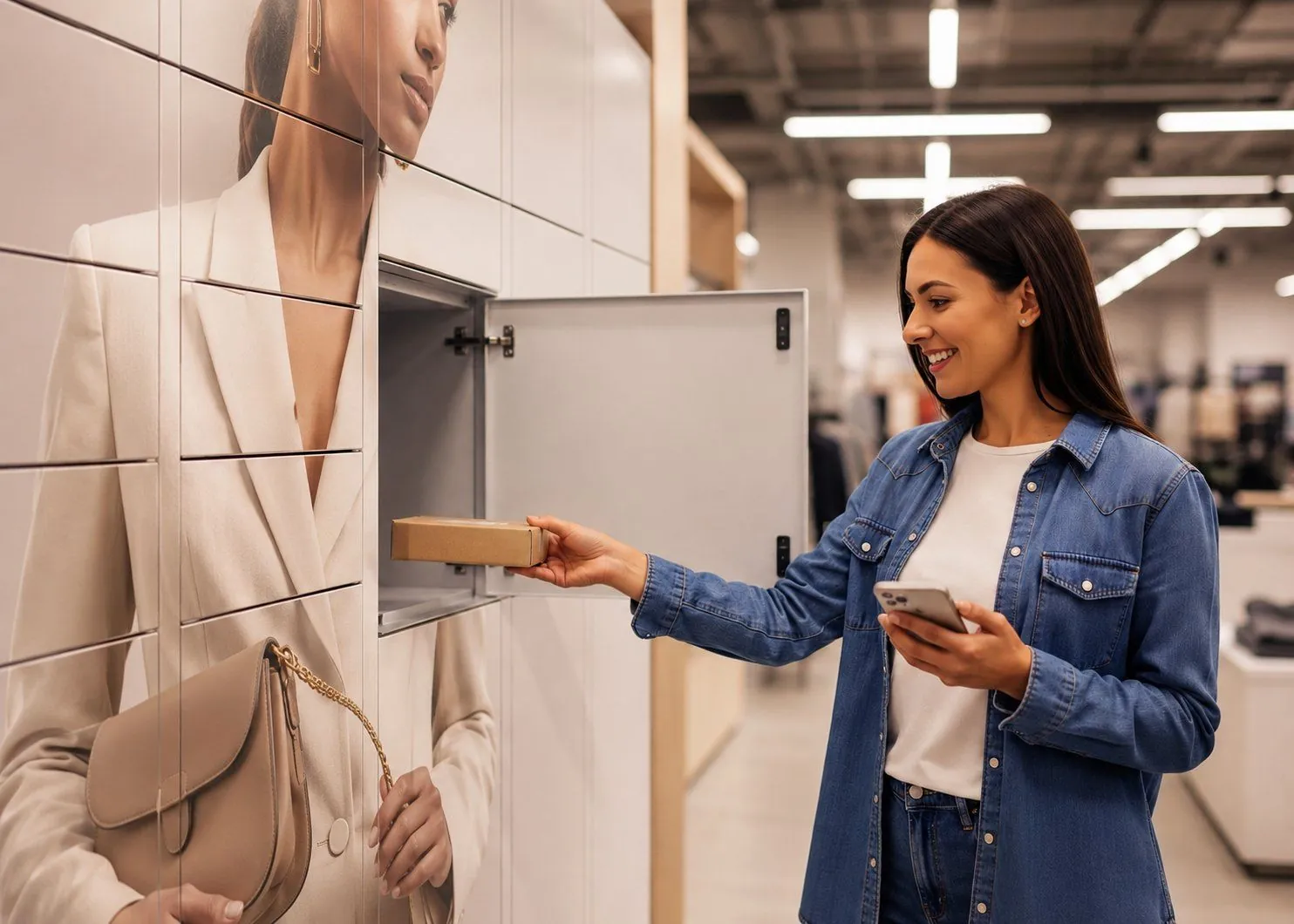
Smart lockers for IT asset management are designed to remove that bottleneck. They create a secure, self-service handover point where employees can collect, return, swap or borrow equipment without requiring an IT technician to be physically present for every transaction.
The locker is the visible part of the process. The larger benefit is creating a more responsive, traceable and scalable way to move IT equipment around the organisation.
What are IT asset management lockers?
IT asset management lockers are secure, digitally controlled lockers used to manage the physical distribution and return of workplace technology.
Typical items include:
- laptops;
- tablets;
- phones;
- chargers;
- peripherals;
- headsets;
- replacement devices;
- loan equipment; and
- other IT assets.
Instead of arranging a face-to-face handover, the IT team can place an item into a locker and authorise the appropriate employee to collect it.
The transaction is recorded by the software, creating a clear history of who collected or returned the equipment and when. That means the locker can support more than storage. It becomes part of the IT service workflow.
For many organisations, the practical objective is simple:
get the right equipment to the right employee without requiring someone from IT to manage the physical exchange every time.
Why IT equipment handovers create more friction than they appear to
In a single-site office with an IT team sitting nearby, device handovers can be straightforward.
The problem becomes more visible as organisations become larger, more distributed and more dependent on laptops and mobile devices.
A user with a failed laptop may be unable to work productively until a replacement arrives. If IT is based in another office, the delay may have little to do with technical diagnosis and everything to do with logistics.
The same problem appears in other routine workflows.
A technician may need to travel between offices simply to hand over a device. A new starter may need to wait for somebody to be available to issue equipment. A leaver may leave a laptop with reception or on a desk because no controlled return process exists.
These are not technically complicated problems. They are handover problems. And because they sit between IT operations, workplace logistics and employee experience, they often consume more time than anyone measures.
How smart lockers fit into IT service delivery
The role of a workplace smart locker is to separate the physical handover from the availability of the IT team. Instead of coordinating a time when both people can be present, IT prepares the equipment, places it into a secure compartment and creates the authorised collection.
The employee can then collect it when convenient within the permitted access window.
A typical workflow might look like:
Device prepared → locker allocated → employee notified → employee authenticates → device collected → transaction recorded
For a return, the process runs in reverse:
Return authorised → employee authenticates → compartment made available → device deposited → return recorded
The same infrastructure can support both directions, making it useful across the entire lifecycle of workplace equipment.
Device swaps and replacement laptops
One of the strongest use cases is device replacement. When a laptop fails, the business impact is often measured in employee downtime.
The technical diagnosis may be quick. The employee may still be unable to work until a replacement device physically reaches them.
Traditionally, that can require:
- arranging a handover;
- waiting for a technician;
- travelling to another office;
- using a courier;
- leaving equipment with reception; or
- delaying the exchange until somebody is available.
A smart locker changes the handover point.
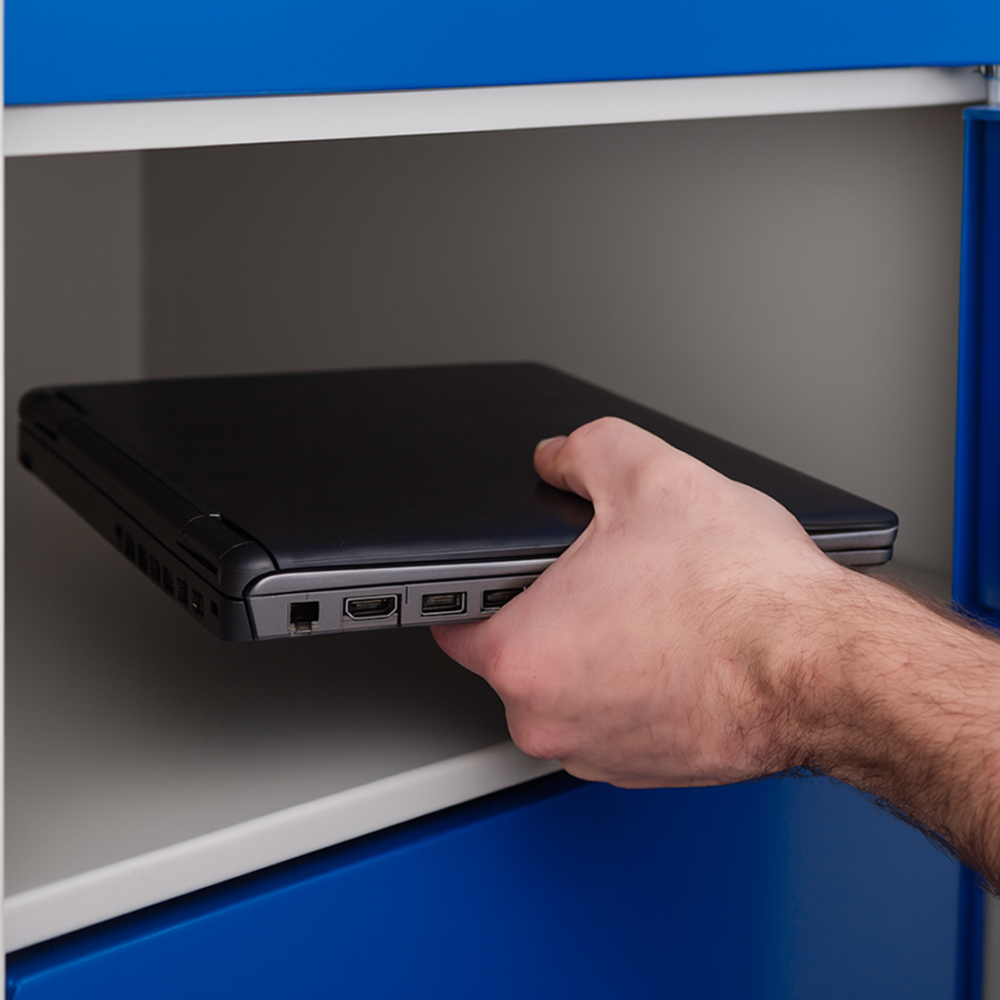
IT prepares the replacement device and makes it available securely. The employee collects it through an authorised transaction and can return the faulty equipment through the same system if required.
The value is not that the locker fixes the laptop. It is that the physical exchange stops being the slowest part of the support process.
For IT teams under pressure to improve responsiveness, that can be significant. The Workplace ICP work for eLocker consistently frames this as a service-delivery problem: employees lose productive time while IT teams spend too much effort on physical logistics.
Supporting distributed and multi-office organisations
Hybrid and distributed working has made physical IT support more complicated.
Employees may work across several offices while the IT team remains concentrated in one main location. Smaller sites may have little or no permanent IT presence.
That creates a mismatch. The organisation wants consistent support everywhere, but it does not necessarily want an IT technician stationed at every location.
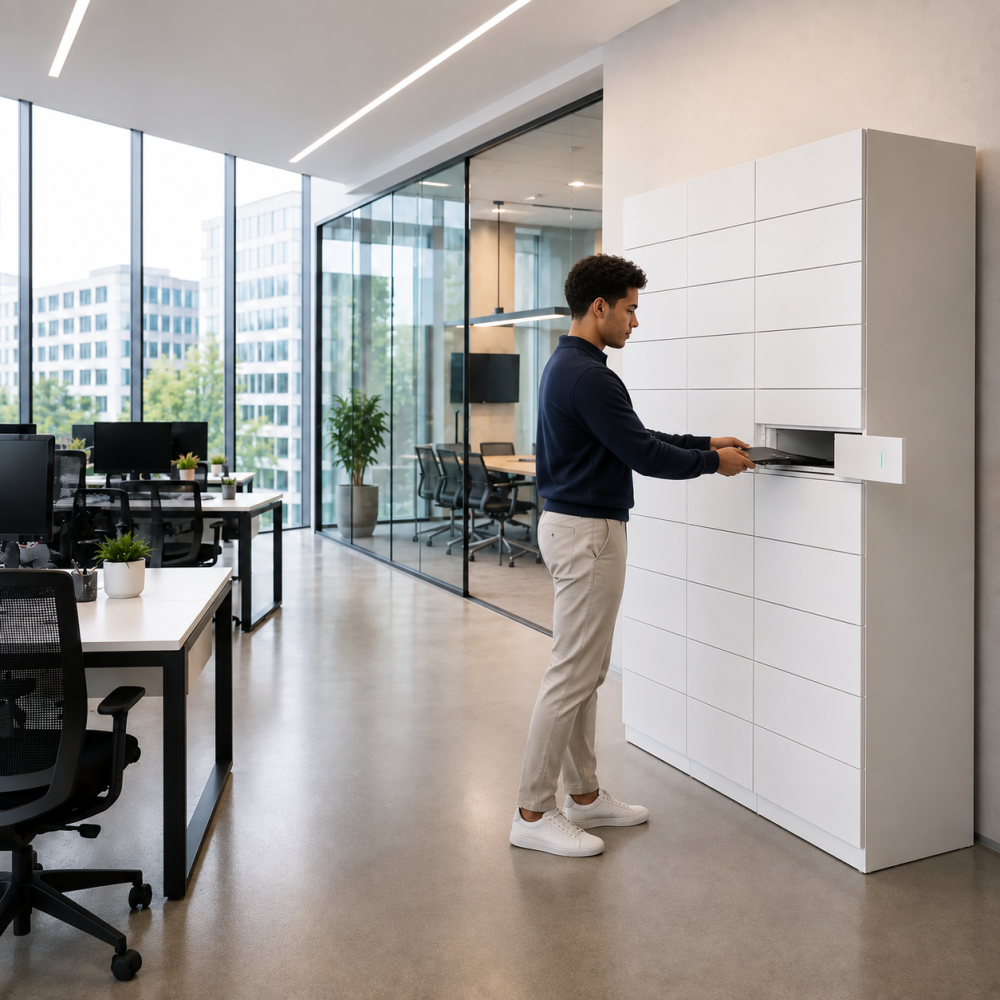
Smart lockers can act as a secure local handover point. Equipment can be positioned close to employees while the workflow is managed centrally. This allows the IT team to support users in locations where they are not physically present.
Typical applications include:
- replacement laptops;
- peripherals;
- temporary devices;
- equipment loans;
- faulty-device returns;
- onboarding equipment; and
- leaver returns.
This can reduce unnecessary technician travel and make support less dependent on geography.
Extending access beyond IT desk hours
Manual IT handovers are limited by the availability of the people managing them. If equipment can only be collected when the service desk is staffed, the handover itself creates a time constraint.
Smart lockers can extend that window.
An employee can collect authorised equipment outside the normal availability of the IT team, provided the location itself is accessible.
That can be useful for:
- early starters;
- late shifts;
- distributed teams;
- employees travelling between locations;
- urgent replacements; or
- offices without permanent IT coverage.
The important point is not simply “24/7 access”. It is decoupling equipment availability from technician availability.
That gives IT teams a way to improve service coverage without necessarily increasing staffing levels.
Using smart lockers for IT equipment loans
Not every device movement is permanent. Organisations may operate pools of loan laptops, phones, peripherals, specialist equipment or temporary devices. These assets can be difficult to control because responsibility changes frequently.
A traditional loan process may involve someone manually recording who borrowed what and then chasing the equipment if it is not returned.
A smart locker workflow can create a more structured process.
The system can record:
- who collected the item;
- which asset was issued;
- when it was collected;
- when it is due back;
- whether it was returned; and
- whether the transaction remains outstanding.
That creates clearer accountability without requiring an administrator to supervise every loan.
New starter onboarding
Onboarding often creates a concentrated equipment-distribution problem.
A new employee may need:
- a laptop;
- charger;
- phone;
- headset;
- accessories; and
- other role-specific technology.
If IT has to coordinate every handover manually, onboarding can become dependent on diary availability and location.
Smart lockers allow equipment to be prepared in advance and made available through a controlled collection workflow. The new starter can receive clear instructions, authenticate and collect what has been allocated to them.
This can help standardise onboarding across different offices, particularly where there is no local IT team. It also creates a record that the equipment was collected, which can then support the wider asset-management process.
Leaver equipment returns
Leaver workflows create the opposite challenge. The organisation needs equipment back, often within a defined timeframe, and the return needs to be controlled.
In a manual process, devices may be left with reception, handed to a manager or returned through an informal arrangement. That can create gaps between what HR, IT and asset records say should have happened and what physically happened.
A smart locker gives the employee a defined return point. The return can be authorised in advance, the employee deposits the equipment and the transaction is recorded.
This creates a clearer chain of custody and gives IT a more reliable starting point for subsequent tasks such as inspection, wiping, redeployment or disposal.
Why auditability matters for IT assets
IT teams already manage asset records, but the physical handover can still create gaps.
An asset-management or MDM platform may show who a device is assigned to. It does not always show what happened during a short-term loan, replacement, swap or temporary exchange.
Smart locker transactions can provide an additional layer of evidence.
Depending on the workflow, the IT team can see:
- who accessed the locker;
- which asset was collected;
- when it was collected;
- whether it was returned;
- when the return occurred; and
- whether the transaction remains unresolved.
This helps close the gap between the digital asset record and the physical movement of the equipment.
Did you know: The current eLocker Workplace solution is built around this principle of creating an audit trail around device collections, swaps and returns.
Reducing manual IT workload
The cost of a device handover is not only the time spent opening a cupboard and giving somebody a laptop.
There may also be coordination around it.
Someone has to arrange the exchange, confirm availability, travel to the right location, wait for the employee, record what happened and possibly update another system afterwards.
Multiply that across onboarding, device failures, office moves, temporary loans and leavers, and routine logistics can consume a surprising amount of IT capacity.
Smart lockers help remove some of that coordination.
The IT team still prepares and manages the equipment. What changes is the need for a technician to be present at the exact moment the employee collects or returns it.
That means technical staff can spend more time on technical work and less time acting as equipment couriers.
Improving employee experience
Employees rarely distinguish between the technical and logistical parts of IT support. If their laptop has failed, what matters to them is how quickly they can work again.
A technically efficient service can still feel slow if the replacement device takes hours or days to reach the employee. That has consequences beyond the service desk.
Poor equipment logistics can affect:
- productivity;
- internal perception of IT;
- employee satisfaction;
- onboarding experience;
- business continuity; and
- the credibility of support SLAs.
For that reason, workplace smart lockers should not be considered purely as an asset-management tool. They can also be part of the employee support experience. The strongest implementations make the process feel simpler for both sides: IT does less coordination, and the employee gets equipment faster.
Connecting smart lockers with IT service management
A smart locker can operate as a self-contained handover process, but deeper automation becomes possible when the locker platform connects with other IT systems.
For example, a replacement-device journey could potentially link to an IT service-management platform.
A service request triggers the requirement. The replacement is prepared. The locker transaction is created. The employee is notified. Once the device is collected, the asset or ticket status can be updated.
The workflow could look like:
Support request → replacement approved → device assigned → locker transaction created → employee notified → collection completed → asset record updated → ticket progressed
This reduces the number of manual hand-offs between the digital support process and the physical equipment exchange.
However, full integration is not always required at the outset.
For many organisations, automating the physical handover alone may remove a meaningful amount of friction. Integration can then be introduced where it delivers additional operational value.
Do IT asset management lockers need charging?
Sometimes.
If laptops, phones or other rechargeable equipment will remain in the locker for any period, charging can help ensure that devices are ready when employees collect them.
This is particularly useful for replacement or loan-device pools. A device that is securely stored but has a flat battery does not solve the employee's support problem.
Powered compartments can therefore combine: secure storage, controlled access and device readiness.
The electrical and charging configuration needs to be designed around the assets being managed, particularly where different device types have different requirements.
Can smart lockers improve security?
Smart lockers can improve the security of physical equipment handovers by giving devices a controlled location and restricting access to authorised users.
This is particularly relevant compared with informal alternatives such as leaving expensive equipment:
- on desks;
- at reception;
- in unlocked cupboards;
- with colleagues; or
- in other shared areas.
The system can also create a transaction record around the handover, which improves auditability.
Security still needs to be considered across the full process, including authentication, data handling, system access and any integrations.
The locker should therefore form part of the organisation's wider IT and information-security approach rather than being treated as an isolated physical-security product.
What does the business case look like?
The financial case for IT asset management lockers varies considerably between organisations.
Unlike a warehouse environment, where large shift populations can make small time savings highly visible, workplace IT value often comes from several smaller sources.
These can include:
- reduced IT travel between offices;
- fewer manual handovers;
- lower employee downtime;
- reduced coordination effort;
- extended support coverage;
- better control of loan equipment;
- fewer informal or unsecured equipment exchanges; and
- improved scalability across multiple sites.
The employee-downtime element can be particularly important.
If a highly paid employee cannot work for several hours because they are waiting for a replacement laptop, the cost of the delay may significantly exceed the cost of the technical intervention itself.
For that reason, the business case should begin with the workflow rather than the locker.
How often do these handovers occur? How long do employees wait? How much IT time is spent coordinating them? How frequently do technicians travel purely to exchange equipment?
Those numbers establish whether the problem is commercially meaningful.
Which organisations are best suited to workplace smart lockers?
The strongest use cases tend to appear where there is a mismatch between the location of employees and the location of IT support.
This can include organisations with:
- multiple offices;
- hybrid workforces;
- centralised IT teams;
- limited IT presence at satellite locations;
- large laptop or device estates;
- frequent equipment swaps or loans;
- high onboarding volumes; or
- strong expectations around IT service responsiveness.
Typical environments may include professional services, financial services, technology companies, large corporates, universities and other organisations with distributed users.
The organisation does not necessarily need to be enormous.
The key question is whether physical device logistics are creating enough disruption to justify a more automated process.
What should IT teams consider before introducing smart lockers?
The starting point should be the equipment workflow.
Before evaluating locker sizes or door counts, IT teams should understand:
- which equipment handovers occur most frequently;
- how employees collect and return devices today;
- where delays happen;
- how much technician time is spent on logistics;
- how often engineers travel between sites;
- which assets need charging;
- how users will authenticate;
- what records need to be maintained;
- which exceptions need to be surfaced;
- whether the locker workflow needs to connect with ITSM or asset systems; and
- how success will be measured.
A pilot can then test a specific use case rather than trying to automate every IT asset workflow at once.
For example, an organisation might begin with replacement laptops at one remote office, measure the impact on downtime and IT effort, and then decide whether to expand into loans, onboarding or returns.
That keeps the project grounded in an operational problem rather than turning it into a technology exercise.
Frequently asked questions about IT asset management lockers
What are IT asset management lockers?
IT asset management lockers are secure, digitally controlled lockers used to distribute, collect, swap and return workplace technology. They allow authorised users to access equipment without requiring an IT technician to manage each physical handover.
What equipment can be managed through IT lockers?
Common examples include laptops, tablets, phones, chargers, peripherals, headsets, replacement devices and temporary loan equipment.
Can smart lockers be used for laptop swaps?
Yes. IT can place a replacement laptop into the locker, authorise the employee to collect it and use the same system to manage the return of the faulty device.
Can IT lockers support new starter onboarding?
Yes. Equipment can be prepared and placed into a locker before the employee arrives, allowing them to collect authorised assets through a controlled process.
Can employees return equipment when they leave the business?
Yes. Smart lockers can provide a secure return point for leavers and create a digital record that the equipment has been deposited.
Can smart lockers support multiple offices?
Yes. One of the main workplace use cases is supporting employees at locations without permanent IT staff while managing the process centrally.
Do IT asset lockers provide 24/7 access?
They can provide access outside normal IT desk hours where the building or locker location itself is accessible and the organisation's policies allow it.
Do IT asset management lockers charge laptops and devices?
They can. Powered compartments can be configured where equipment needs to charge while stored.
Can smart lockers integrate with IT service-management systems?
Yes. Depending on the platform and requirements, locker workflows can potentially integrate with ITSM, asset-management, HR and other enterprise systems.
Do employees need an app?
Not necessarily. Access can be provided through secure browser-based journeys, existing employee credentials or other approved authentication methods.
How do IT asset lockers improve auditability?
Collections and returns can be associated with an identified user, asset, time and locker transaction, creating a clearer record of physical equipment movement.
The real problem is not storage. It is the physical handover.
Most organisations already know how to store laptops securely.
The harder problem is moving those devices between IT and employees quickly, consistently and with a reliable record of what happened.
As workplaces become more distributed, that process becomes increasingly difficult to manage through face-to-face exchanges alone.
Smart lockers create a secure handover point between the IT team and the employee.
They allow routine collections, returns, swaps and loans to happen without both parties being present at the same time. They can improve auditability, extend support coverage and reduce the amount of technical capacity consumed by equipment logistics.
The result is not simply better asset storage.
It is a more scalable way to deliver physical IT support — one that helps get employees back to productive work faster while allowing IT teams to focus on the work that actually requires their expertise.