


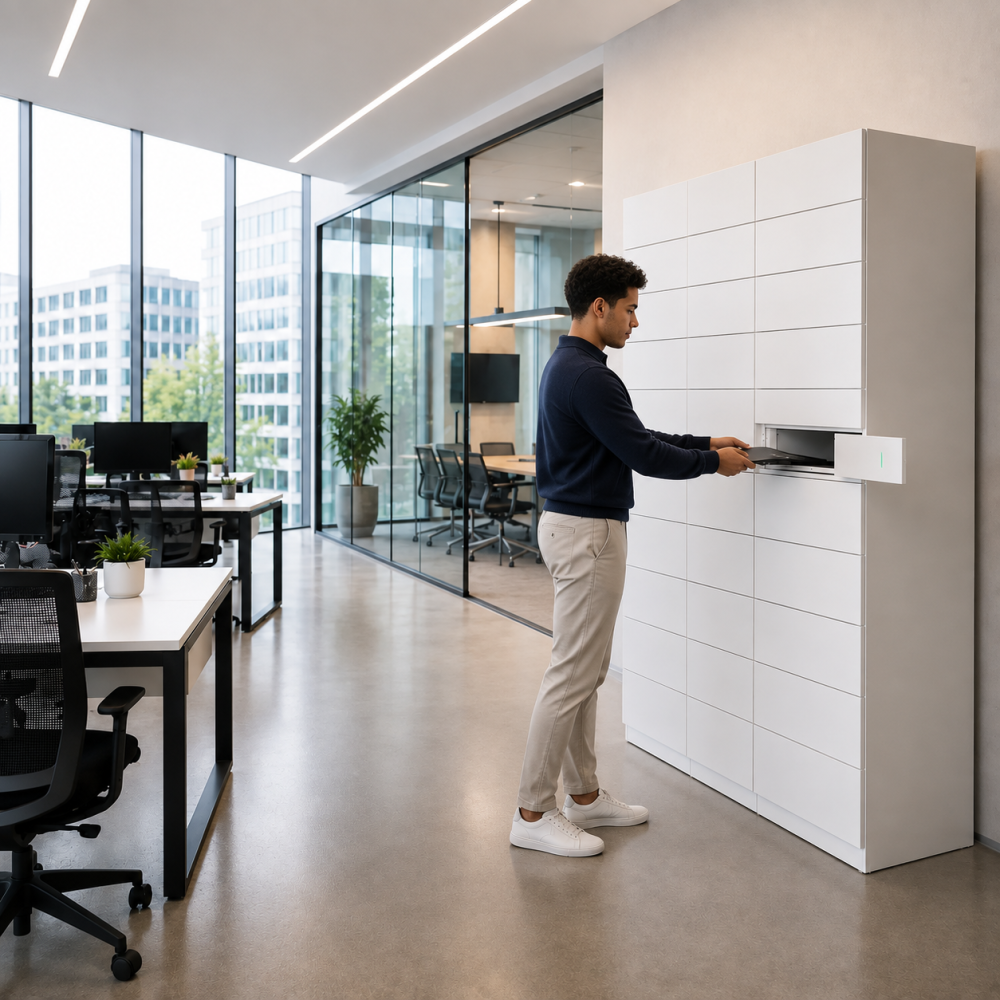
The most frustrating IT problems are not always the most technical.
A replacement laptop may be configured and ready, yet the employee still cannot work because nobody is available to complete the handover. A new starter’s equipment may be sitting in the correct office, but access depends on a particular member of the IT team being on-site. A faulty device may have been replaced, while the return remains unresolved for days.
In each case, the technical task is complete. The physical movement of the equipment is what delays the outcome.
For Heads of IT supporting hybrid employees across several locations, this creates a disproportionate amount of noise. Engineers travel between offices for routine exchanges. Service desk colleagues interrupt more valuable work to coordinate collections. Reception teams become informal custodians of expensive devices. Employees judge IT by how quickly they can resume working, not by which part of the process caused the delay.
The need for a better approach may be obvious. The hesitation usually begins when someone asks what implementation involves.
Will this require integration? Does it need a project team? How much time will InfoSec need? Will procurement turn a simple service improvement into a lengthy supplier exercise? Is a pilot required before the organisation can use it properly?
For eLocker’s TechBar system, the answer is more straightforward than many IT leaders expect. TechBar is a plug-and-play system designed to automate IT equipment collections, exchanges and returns without first becoming a complex implementation programme. A traditional pilot is not normally necessary. The organisation can begin with a focused deployment and expand when the operational case supports it.
Why a simple handover problem often becomes an IT problem
The working environment has changed, but many equipment handover processes have not.
The Office for National Statistics found that 28 per cent of working adults in Great Britain were hybrid workers between January and March 2025. For organisations with centralised IT teams and employees spread across multiple offices, this creates a permanent logistics challenge. The person who needs a device, the equipment itself and the engineer authorised to issue it may all be in different places.
The result is familiar to most IT service leaders.
An employee reports a broken laptop at 9am. The service desk diagnoses the issue and prepares a replacement by 10am. The replacement then waits until the employee can reach the main office, an engineer visits the satellite site or somebody agrees to manage the handover locally.
From a ticketing perspective, the technical work may have been completed quickly. From the employee’s perspective, IT support remains unresolved.
This gap becomes especially visible when demand rises. Autumn starter intakes, graduate programmes, office openings, hardware refreshes and large onboarding cohorts can all create a concentrated requirement to issue, exchange and recover equipment. A process that feels manageable at normal volume can quickly become dependent on calendars, corridors and individual availability.
The Head of IT is expected to absorb that demand without allowing service levels to fall or adding unnecessary headcount. They are also personally exposed when senior leaders experience delays. The buyer is therefore looking for a practical improvement that gets employees working faster, protects the IT team’s time and does not create another burden to manage.
The better question is not “Can we pilot it?”
Pilots are valuable when a business needs to test an uncertain operating model, prove complex economics or understand how a heavily integrated solution will behave.
That is not usually the situation TechBar is designed to address.
The operational problem is already understood. Employees need a secure, accessible way to collect and return equipment without requiring an IT colleague to be physically present for every transaction. The workflow is familiar. A device is prepared, made available to an authorised person, collected and, where necessary, exchanged for another item.
TechBar automates that handover. It provides controlled, self-service access and records the activity, giving the organisation visibility over who collected or returned equipment and when. eLocker describes the system as supporting IT asset deliveries, exchanges and returns through a controlled-access workflow.
Plug and play does not mean poorly planned
Describing a system as plug and play should never be shorthand for ignoring operational detail.
A successful TechBar deployment still requires a few clear decisions. The organisation needs to determine where the system should be located, which equipment types it will handle, who will administer it and how employees will be notified that a collection or exchange is ready.
Those are practical service decisions rather than the foundations of a major technology programme.
For example, a multi-site professional services firm may have one central IT team supporting four regional offices. The Manchester office has no permanent engineer, so replacement laptops are currently sent to reception or held until a member of IT visits.
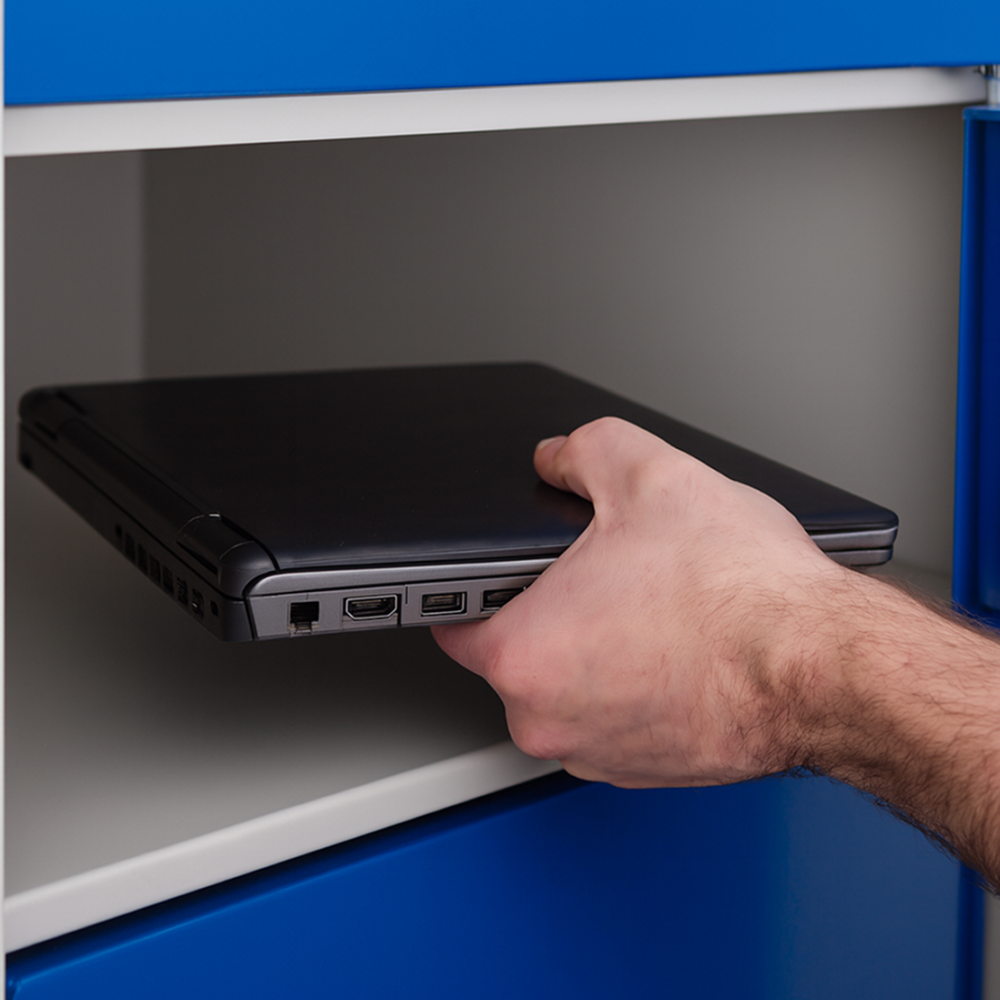
A focused TechBar deployment could begin at that office. The service desk prepares a replacement, places it in a secure compartment and provides access to the relevant employee. The employee collects the laptop without waiting for an engineer. If it is an exchange, the faulty device can be returned through the same controlled process.
The organisation must agree how that workflow will operate. It does not need to redesign service management across the business before the first employee uses it.
A plug-and-play deployment should not normally require:
- a dedicated transformation team
- extensive process redesign
- immediate integration with every IT platform
- bespoke software development
- a lengthy proof-of-concept exercise
- a simultaneous multi-office rollout
It should require enough planning to make the service reliable, but not so much that implementation becomes larger than the problem.
Start with a focused deployment, not a temporary experiment
There is still a strong case for starting with one office, one support hub or a small number of recurring workflows.
That is not the same as running a traditional pilot.
A focused first deployment allows the organisation to introduce the service where the handover problem is most visible. It also gives the IT team time to establish a familiar operating rhythm before extending the model elsewhere.
The first use case might be replacement laptop exchanges at a satellite office. It might support equipment collection for a large starter intake. It could provide out-of-hours access to loan devices or reduce the need for engineers to travel between sites for routine peripherals.
The important point is that the system is being introduced as an operational service, not as a temporary experiment that must later be re-approved and reimplemented.
This distinction matters internally. A pilot can imply uncertainty, temporary infrastructure and a further business case before the service becomes real. A focused deployment is a controlled first step into normal use.
The organisation can still review usage, employee experience and the effect on IT workload. In fact, that evidence is useful when deciding where TechBar should go next. But measurement supports expansion. It does not need to delay the initial service.
InfoSec needs a clear scope, not a large project
Plug and play does not mean outside governance.
InfoSec still needs confidence in the connectivity model, access controls, data handling, supplier posture and support arrangements. Procurement may need to review the supplier, contract and commercial commitment.
These are reasonable requirements. The National Cyber Security Centre describes cyber risk as a boardroom priority because incidents can disrupt operations and create financial, legal and reputational consequences. Supplier and technology reviews should therefore be proportionate, but they should not be superficial.
The route to faster approval is better information.
InfoSec should be able to see, in plain English, what data the service uses, how administrators and employees gain access, how connectivity is provided, what records are retained and where responsibilities sit. Procurement should receive the required commercial and supplier documentation early enough to avoid last-minute delay.
The corporate buying process is generally less complex than a large retail or enterprise transformation. The Head of IT often owns the problem, evaluates the practical fit and controls or heavily influences the purchase. Finance and InfoSec usually provide focused assurance rather than forming a large buying committee.
That simplicity should be preserved.
A clear, bounded TechBar deployment gives governance teams something specific to approve. It is easier to assess than an open-ended proposal involving several sites, integrations and future workflows from the outset.
Learn more about our Techbar system here
The cost of delay is another season of the same problem
Implementation risk deserves attention. So does the risk of entering another high-demand period with the same manual process.
When a large starter cohort arrives, the organisation already knows what will happen. Devices will need to be prepared, allocated, collected and, in some cases, exchanged. Employees will need access at different times and across different locations. Service desk capacity will be pulled towards equipment logistics just as wider support demand rises.
The strongest first deployment is therefore not the one with the broadest scope. It is the one that solves a recognisable problem quickly and can be repeated elsewhere without adding equivalent labour.
TechBar automates the collection and return of IT equipment, creating visibility and accountability while removing the friction of people-dependent handovers. It helps employees regain access to the equipment they need and allows IT teams to support more locations without making every exchange a diary event.
That does not need to begin with a complex pilot.
It needs a clear workflow, a suitable location and a straightforward route to go-live.
If manual IT equipment handovers are creating avoidable delays, support disruption or poor visibility across your workplace, eLocker can help you assess whether TechBar is the right fit. Start by taking our TechBar assessment to understand where your current collection, exchange and return process is creating friction