Compare locker system types, and where each one is the wrong choice.

Five things decide whether a locker estate earns its keep: how the door opens, whether the units are wired, where they stand, whether they have to hold food, and who is meant to be opening them. Get one of those wrong and you find out at the first peak, long after the site survey said it was fine. Each decision below has the trade-off spelled out, plus the point where that option stops making sense.

  • How the door opens: card or fob, phone, code, barcode scan
  • Wired against wireless, and what each asks of the site
  • Indoor against outdoor, weather and power
  • Ambient against refrigerated compartments
  • Who the lockers are for: customers, warehouse teams, IT
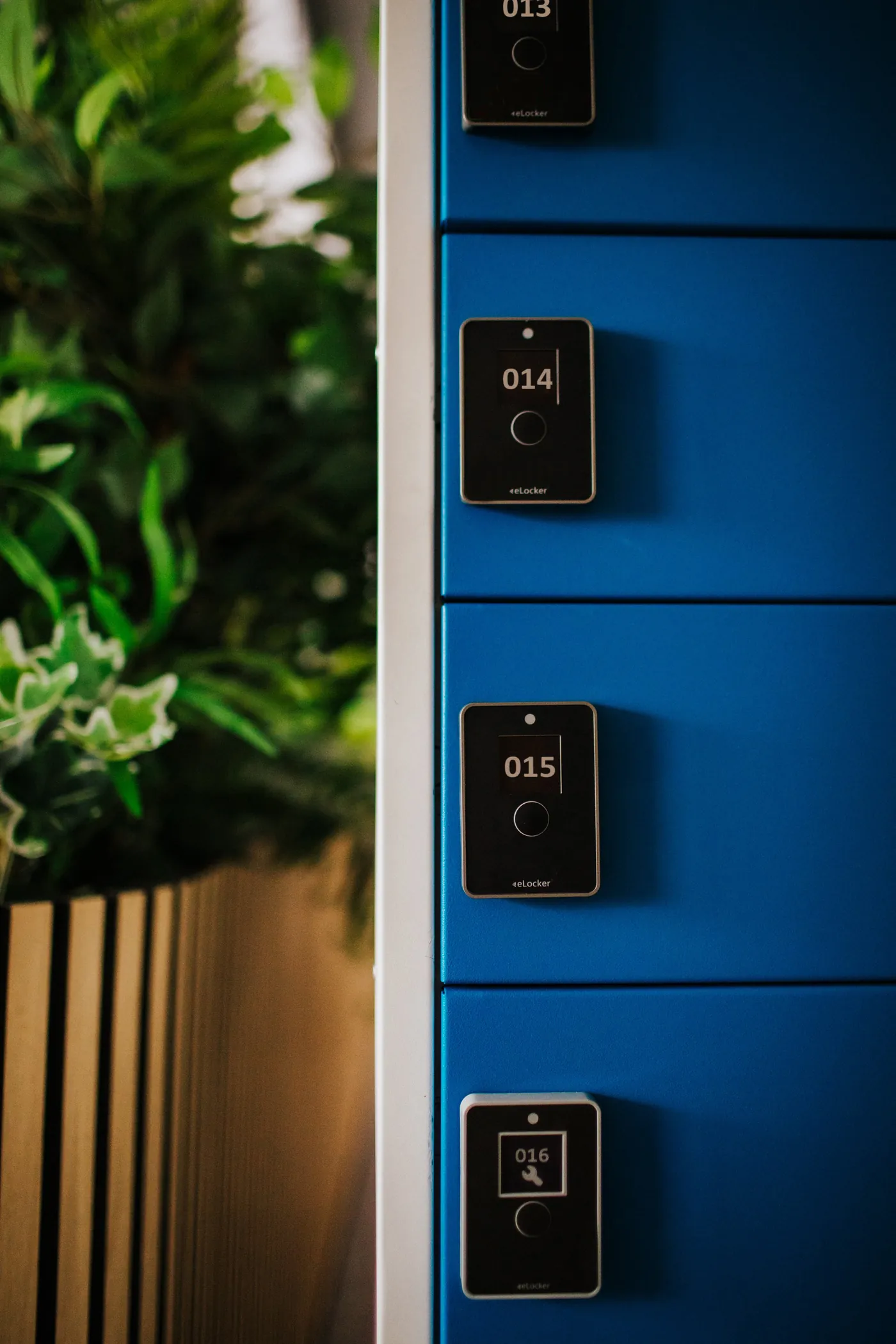
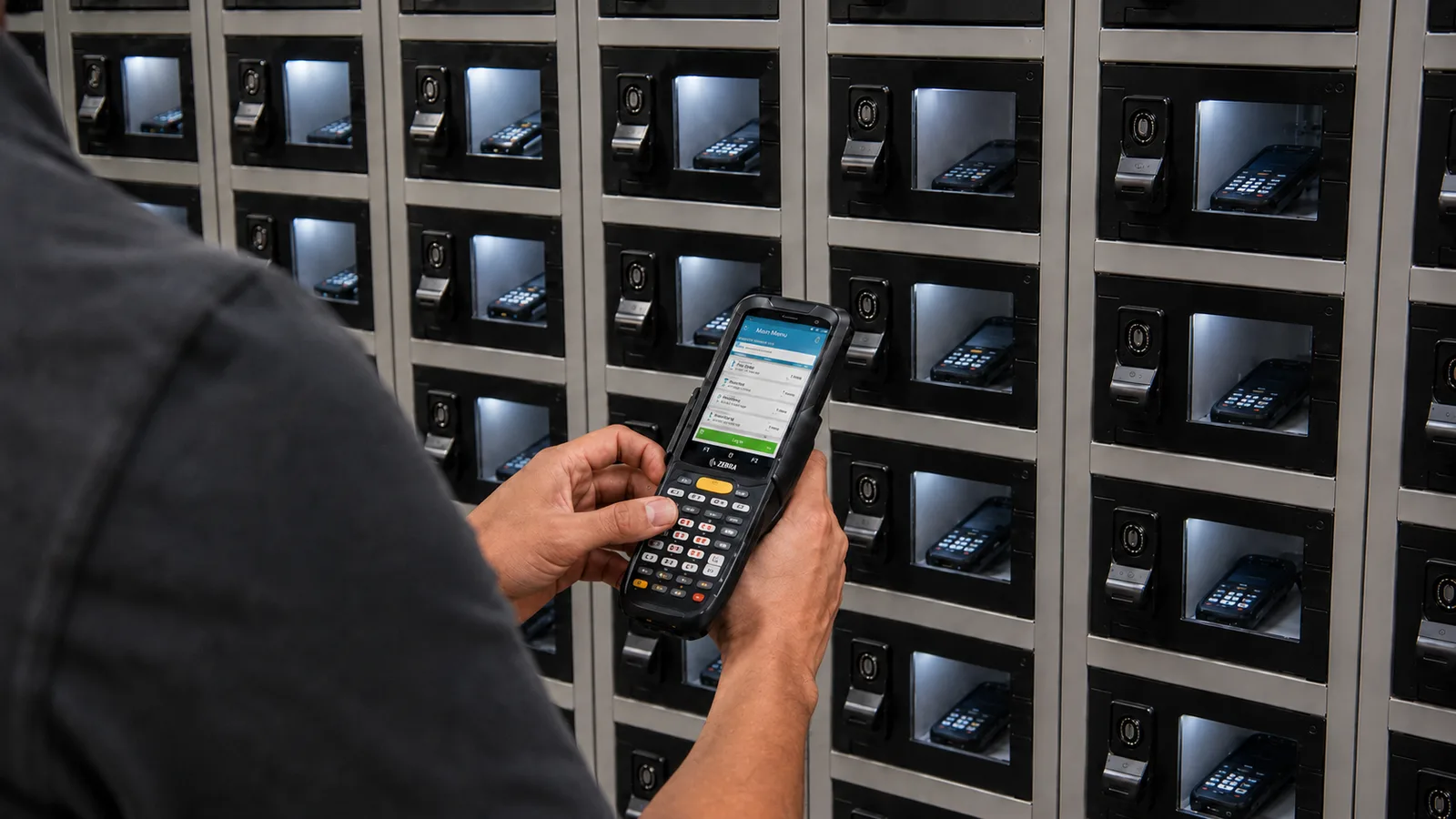
Card readers on the doors of an eLocker smart locker bank
Card, phone, code or scanThe credential shapes the workflow
Before you specify

Locker estates go wrong at the specification stage

The locker estates we get asked to look at were specified around a product. The units themselves work fine. They just don't suit the volume going through them, or the site they landed on, or the people who were supposed to use them. Three patterns come up over and over.

Sized for an average day

A bank scoped on average daily volume runs out of doors on the busiest weekend of the year. The overflow goes straight back to the desk the lockers were meant to clear.

The credential nobody asked about

Access sounds like a detail until the site turns out to have no WiFi to grant, or agency staff turn out never to get issued a card.

Sited where the power already was

Wired banks end up in a back corridor because that is where the spur is. Footfall doesn't follow the cabling.

The five decisions below are the ones worth arguing about before anyone quotes you a unit price.

Decision one

How the door opens

The credential decides who can use the lockers, what happens when somebody turns up without it, and how much of your access estate you have to touch. The four below are the ones worth weighing. Pick by what the people at the door already have on them, then read the trade-off underneath, because each one changes what the system can prove afterwards.

Credential

Access card or fob

The card people already carry opens the door. There's nothing to install, and locker permission sits in the same place as the rest of somebody's access. On a warehouse or workplace estate this is normally where you land.

  • No app and almost no training, so adoption holds from the first shift
  • Permissions follow the user, so a leaver loses locker access along with everything else
  • Cards get lost and lent, so the audit trail is only as honest as your card discipline
  • Wouldn't choose it for customers, who carry no card of yours
Credential

Phone

A personalised link sent by text or email for customers, or the eLocker app for staff. The screen the person is already holding becomes the interface, so there's no kiosk to buy, queue at or repair.

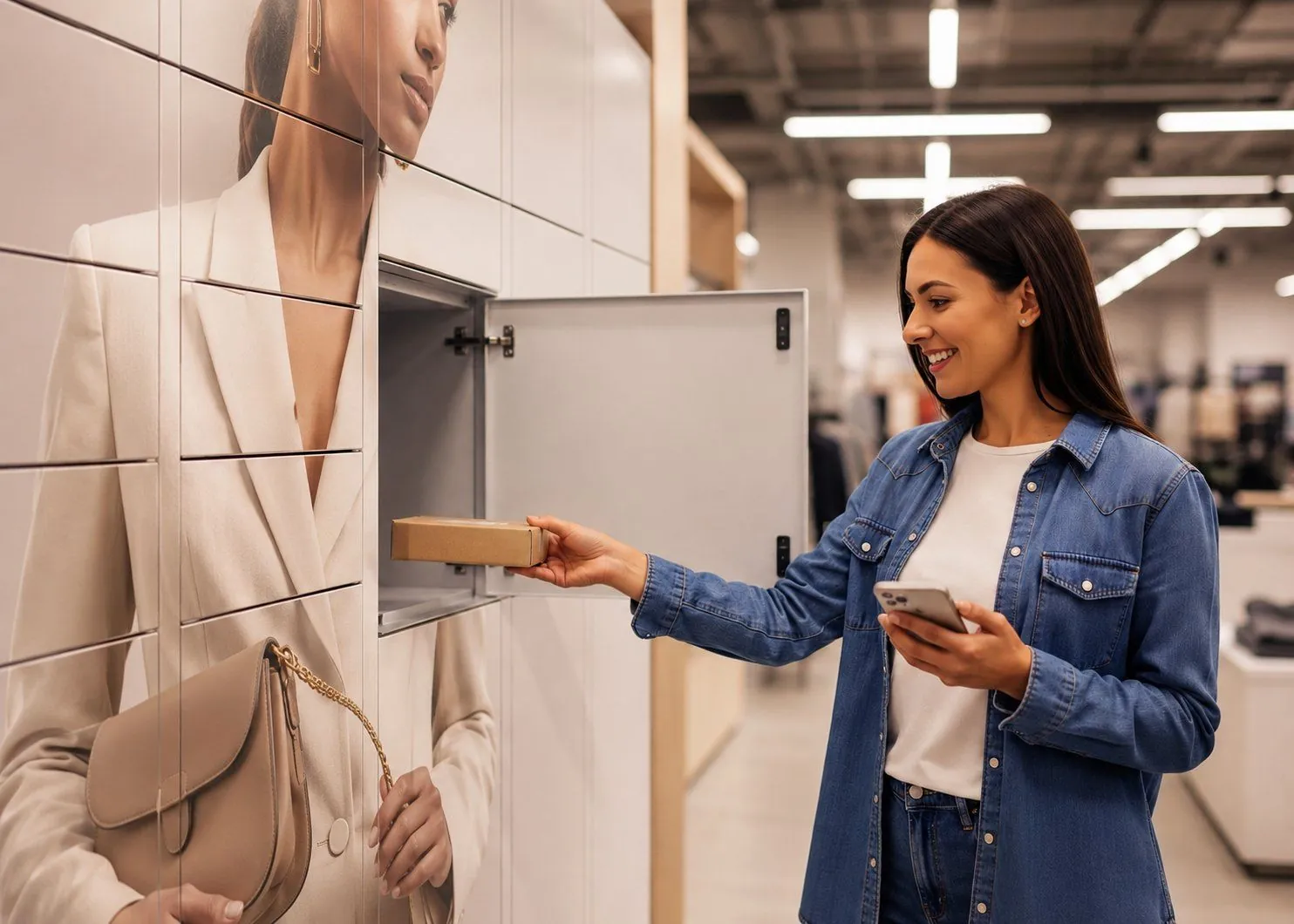
  • Works for people you have no card relationship with, which is why retail collections run this way
  • Carries your branding and your messages through the handover
  • Time-limited links let you control the window in which a door will open at all
  • Wouldn't choose it where phones are off the floor by policy, or where there's no signal at the bank
Credential

One-time code

A code generated for a single collection, entered at the unit or paired with a scan. It suits people who were never in your system: a courier, a contractor, a driver on their third drop of the day.

  • No credential to issue in advance, so a one-off visitor needs nothing from you
  • Codes expire with the job they were created for
  • A code is only as private as the message that carried it
  • Wouldn't choose it as the standing method for staff. A code that gets shared has no owner, and an audit trail with no owner is decoration
Credential

Barcode scan

The unit reads a code held up to it, either the label already on the item or a code on somebody's screen. It earns its place on the loading side, where a colleague is putting fifty parcels away and shouldn't be typing anything.

  • Quickest way to load a bank, because the scan does the matching
  • Ties a compartment to a real order or asset record instead of a manual entry
  • Leans on label quality, so faded, wrapped or curved labels turn into exceptions
  • Wouldn't choose it where the item carries no dependable label. A worn or missing barcode drops the job back to manual entry, and that's where the record starts drifting from what's actually in the box
Decision two

Wired or wireless, and what each asks of the site

Wired units

Mains power at the bank, so there's no battery to plan around. You need a spur where the lockers are going, which in practice means an electrician, a permit and a slot in somebody's shutdown window.

Wireless, battery units

Battery locks with a three-year battery guarantee, so a bank can go where cabling isn't practical. Placement stops being an electrical question and becomes a footfall one.

Neither one needs your network

eLocker units report through an on-site gateway on its own cellular connection. There's no IT network access to grant, which keeps IT out of the critical path.

Where wireless is the wrong call

Any compartment that has to charge what's inside it. A locker handing back a charged scanner needs mains power, so that half of the decision is already made for you.

Where wired is the wrong call

Anywhere getting power to the right spot costs more than the spot is worth. A survey that starts from the cabling will put the bank somewhere nobody walks.

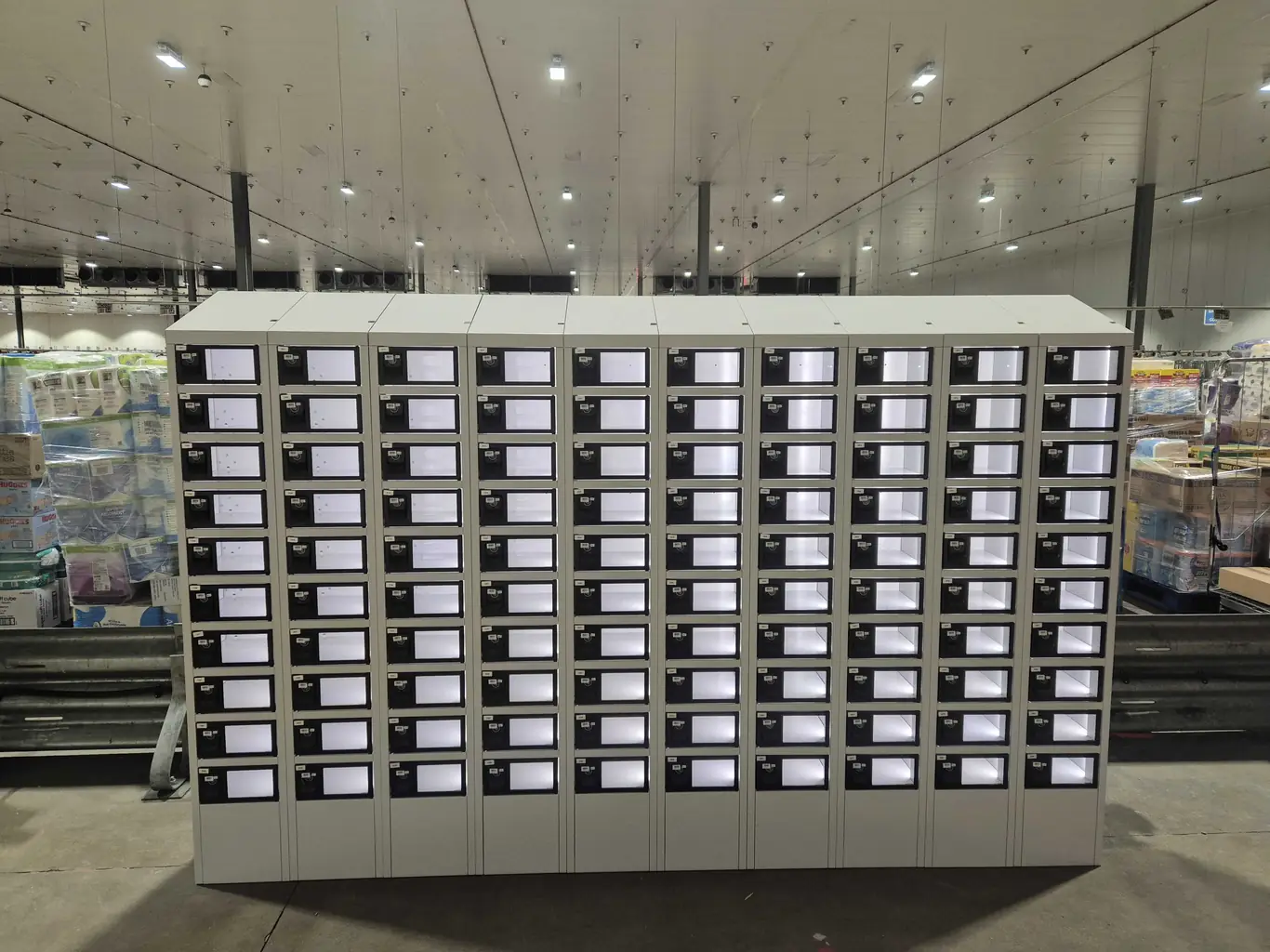
An eLocker device locker bank installed inside a distribution centre
Decision three

Indoor or outdoor

Outdoor buys you access without staffing the building. It also buys you weather, a power run across a car park, and a planning conversation nobody put in the budget.

01

Indoor, where it fits

Anywhere the bank can sit inside the trading or working envelope. Units cost less than an outdoor-rated equivalent, and the building is already handling security, lighting and temperature for you. Power is usually a short run off something that exists.

Indoor, where it doesn't

Collection outside opening hours. If the door is locked the locker is locked, and out-of-hours collection is usually the whole reason the project got funded.

02

Outdoor, where it fits

Car parks, yards, depots and store frontages, where somebody should be able to collect at six in the morning or eleven at night. Units are rated for outdoor siting, so weather becomes a specification question rather than a risk you carry. A container-based bank turns a dead corner of a yard into a collection point without touching the building.

Outdoor, where it doesn't

Low volume, or no realistic power route. An outdoor bank plus the groundwork has to earn its keep every week, and a handful of collections a day won't cover it. Ask what the site does in its quietest week rather than its busiest.

Decision four

Ambient or refrigerated

Ambient

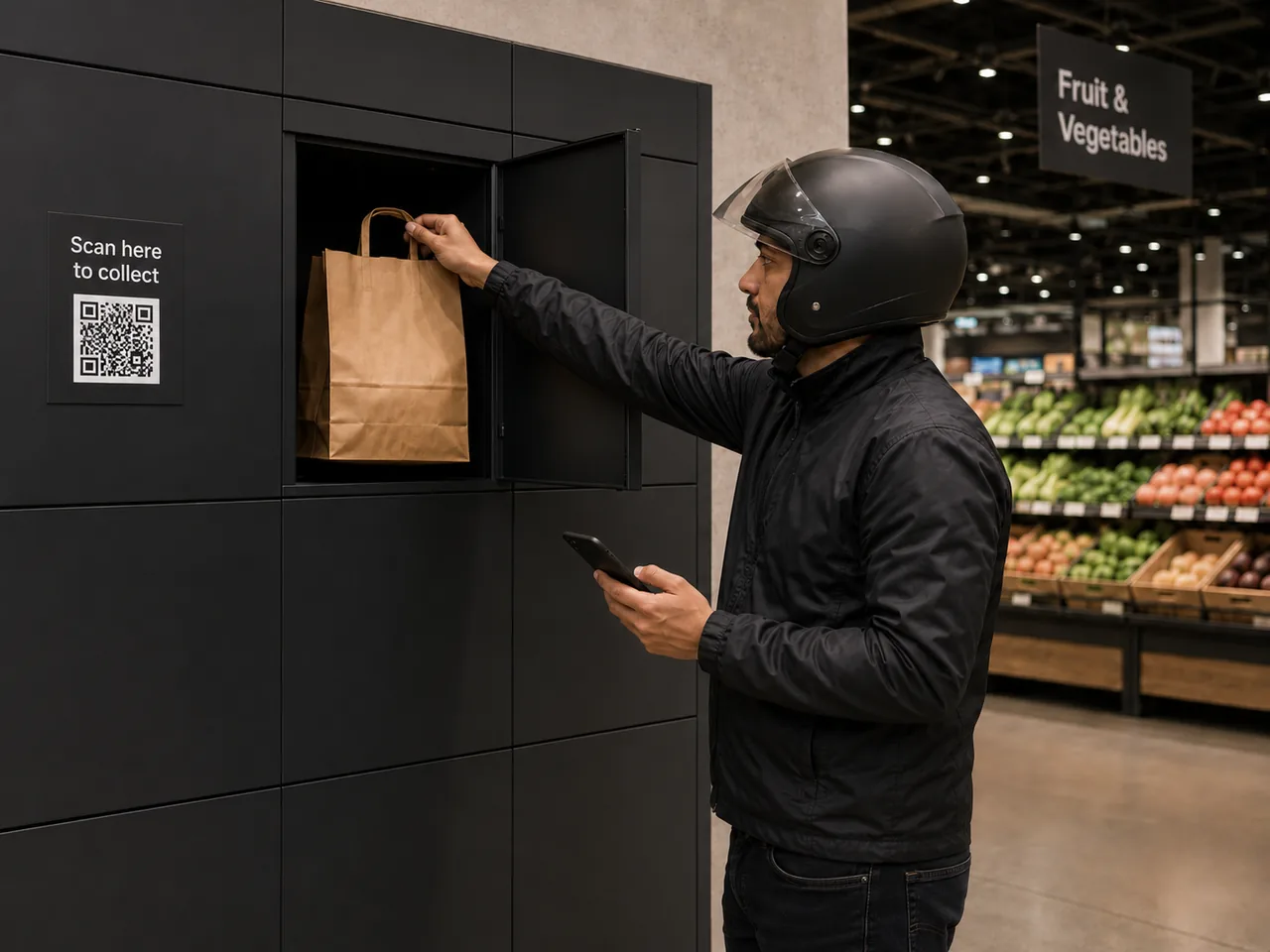
Right far more often than people expect. Where an order sits for minutes rather than hours, ambient compartments do the job. Rapid grocery handovers to couriers work this way, with an alert raised if the order hasn't been collected inside the window you set.

Where ambient is the wrong call

Anything that has to hold temperature past the collection window you can actually enforce. If an order might sit there for a whole shift, an ambient compartment gives you nothing to fall back on when it isn't collected.

Chilled and frozen

Temperature-controlled compartments for grocery and food-to-go, where an order has to hold across a real shift instead of a few minutes.

Where refrigeration is the wrong spend

Short dwell times. Chilled compartments cost more to buy and more to run, every hour, for the life of the bank. If the honest answer to how long an order will sit there is under half an hour, you're paying to cool an empty box most of the day.

How to settle it

Measure dwell time on the orders you already handle, then specify against that. It's the one input on this page you can get from your own data before you speak to anybody.

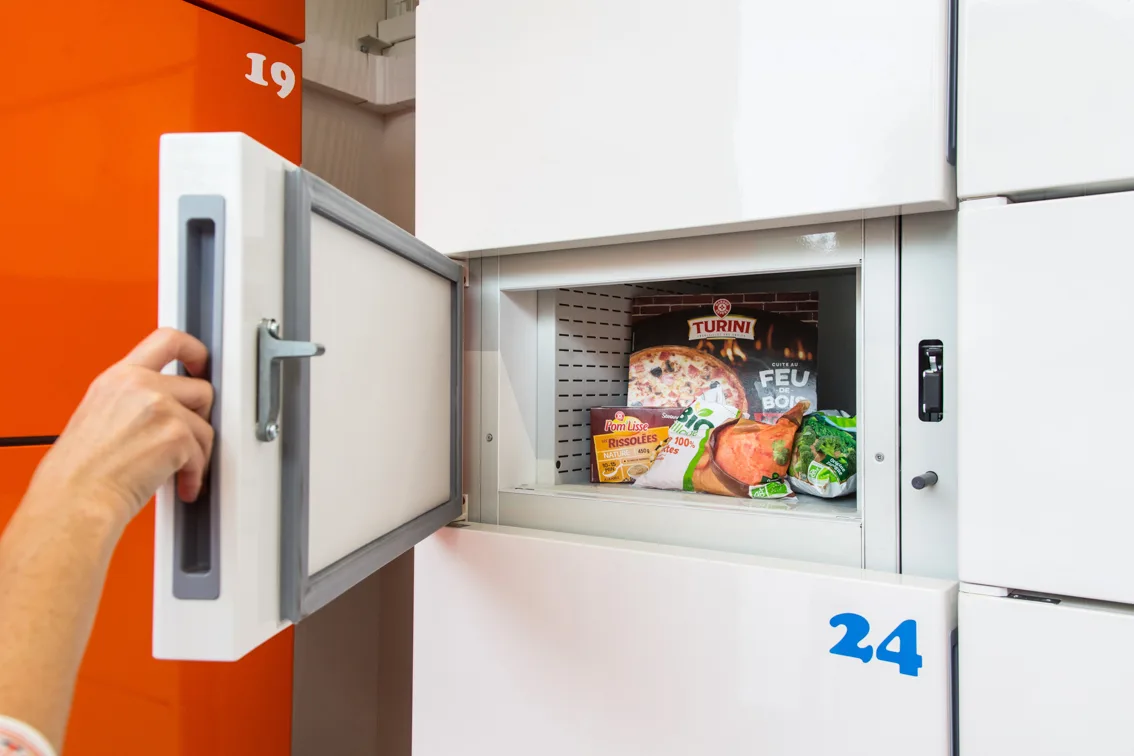
Chilled and frozen temperature-controlled eLocker compartments
Whichever type you pick

The cabinet is the easy part

Every option above sits on the same layer: software that sets up units, decides who can open what, and turns every open into a record. The audit trail comes from there. So do the overdue alerts, and the numbers you'll need when somebody asks whether the pilot worked.

If you're specifying with no locker estate in place, that's the part to interrogate hardest. A site survey will settle the hardware questions in an afternoon. The software ones show up two years in, when you want to compare one site against another and find that you can't.

FAQs

Choosing a locker system

Which access method should we start with?

The one your people already carry. On a staff estate that's the access card. For customers it's the phone, because you have no card relationship with them.

Do wireless lockers need our WiFi?

No. eLocker units report through an on-site gateway on its own cellular connection, so there's no IT network access to grant.

How long do the batteries last in wireless units?

Wireless battery units carry a three-year battery guarantee.

Can one bank serve customers and staff?

Technically yes. It's rarely the right first project, because the two workflows want different things from access and reporting, and proving one is easier than proving both at once.

Do we need refrigerated compartments for food?

Only if the order has to hold for hours. For rapid handovers that sit for minutes, ambient compartments with a collection window and an alert are usually the right call.

Can lockers go outside?

Yes. Units are rated for indoor or outdoor siting, and container-based banks are built for yards, depots and outdoor sites.

What if we pick the wrong type?

Start with one site and one workflow. A single bank measured against your current process tells you more than a specification argument, and it's cheap to change your mind afterwards.
Get started

Not sure which type your site needs?

Send us the site, the volume and who is meant to be opening the doors. We'll tell you which type fits, and where we think it won't.