
A practical guide to how automated smart locker systems connect physical lockers with software, rules and business workflows to automate the secure collection, return and management of orders, equipment and shared assets.
A smart locker can control who is allowed to open a door. An automated smart locker system goes considerably further.
It connects that physical handover to the wider process around it: what triggers the transaction, who should receive the item, when they should be notified, what happens after collection or return, which systems need updating and what should happen when something does not go to plan.
This distinction matters because the locker is often only one small part of the operational problem organisations are trying to solve.
A retailer does not simply need a secure compartment for an ecommerce order. It needs a process that moves the order from fulfilment to customer collection with as little colleague intervention as possible. A warehouse does not simply need somewhere to store handheld scanners. It needs to control who takes them, whether they are returned and whether they are available for the next shift. An IT team does not simply need somewhere secure to leave a laptop. It needs to get that device into the hands of the right employee and maintain an accurate asset record afterwards.
An automated smart locker system connects those individual events into a controlled workflow.
What makes a smart locker system automated?
The difference between a smart locker and an automated smart locker system is not necessarily the physical locker.
Both may use electronic locks, digital authentication and management software. The distinction is what the system does with those capabilities.
At its simplest, a smart locker provides a secure, digitally controlled handover point. An automated system uses that handover as part of a wider sequence of events.
That sequence might include allocating a locker, assigning an asset, notifying a user, applying access permissions, recording the transaction, updating another system and identifying anything that has not happened as expected.
The difference can be summarised simply:
| Smart locker | Automated smart locker system |
| Controls access to a compartment | Controls the workflow around the compartment |
| Identifies authorised users | Applies rules to users, assets and transactions |
| Records access | Uses transaction data to trigger subsequent actions |
| Provides a secure handover point | Automates processes before and after the handover |
| Can operate relatively independently | Can connect the handover to wider business systems |
The smart locker therefore provides the physical infrastructure. Automation determines how that infrastructure participates in the organisation's operating process.
What can an automated smart locker system automate?
It is tempting to think that automation begins when the locker door opens. In reality, much of it happens before and after that moment.
Consider the lifecycle of a typical transaction.
Before the handover, the system may need to recognise that something is ready, determine who should receive it, allocate an appropriate compartment and notify the user.
During the handover, it needs to verify identity, check permissions, release the correct door and capture what happened.
Afterwards, it may need to update the status of an order or asset, make the locker available again, generate a transaction record or flag an exception.
Broadly, automation can therefore span three stages:
| Before the handover | During the handover | After the handover |
| Transaction trigger | User authentication | Transaction confirmation |
| User or asset assignment | Permission check | Order or asset status update |
| Locker allocation | Door release | Reporting |
| Notification | Collection or return | Exception management |
| Workflow rules | Transaction capture | Connected system update |
The more of these stages that can happen without somebody manually coordinating them, the more automated the workflow becomes.
This does not mean every smart locker deployment needs to automate everything from day one. The appropriate level of automation depends on the process, transaction volumes and commercial problem being solved.
Workflow rules are what turn transactions into processes
At the heart of an automated locker system are rules.
Rules determine what the system should do when a particular event occurs.
For example, when a retail order is marked ready for collection, the workflow might allocate suitable locker capacity and trigger a customer notification. Once the customer collects the order, its status can change and the compartment can become available for another transaction.
In a warehouse, a different set of rules might govern equipment. A particular operative may be entitled to collect an assigned handheld device at the start of a shift. If it has not been returned by the required time, the system can identify the exception so that somebody can investigate.
Workplace IT introduces another variation. Once a replacement laptop has been approved and prepared, a collection transaction can be created for the employee. When the device is collected, the event can become part of the asset-management or service workflow.
The individual rules can be relatively simple. Their value comes from connecting routine actions that would otherwise require somebody to coordinate them manually.
This is why automation is better understood as orchestration rather than simply electronic access.
Why integration matters to automation
A smart locker can deliver value without being deeply integrated into an organisation's technology estate. But integration can remove additional manual steps from the process.
Imagine an employee collecting a replacement laptop from a smart locker.
If the collection is recorded by the locker platform but somebody then has to open the asset-management system, manually assign the laptop to the employee and update the IT service ticket, the physical handover has been automated but the wider process has not.
Connecting systems allows information generated by one event to be used elsewhere.
Depending on the application, an automated smart locker platform might exchange information with:
- ecommerce or order-management systems;
- asset-management platforms;
- IT service-management tools;
- HR systems;
- identity and access-management platforms;
- reporting and analytics tools; and
- other enterprise applications.
Integration is therefore not valuable simply because it makes the technology more sophisticated. Its purpose is to remove manual hand-offs between processes.
The question should always be: what does somebody currently have to do after this transaction that the system could reasonably do for them?
Notifications are part of the workflow, not just a message
Notifications are another good example of the difference between a feature and an automated process.
Sending an SMS or email is relatively straightforward. The more important question is what event caused that communication to be sent and what should happen next?
A notification could be triggered because an item has become available for collection. If it remains uncollected, another rule might generate a reminder. Once the collection window expires, the transaction could be flagged for intervention.
The same principle applies to equipment.
A device becoming overdue could trigger a reminder to the user or an alert to the person responsible for the asset. A successful return might update the item's status and confirm that it is available again.
In this sense, notifications become part of the operating logic:
Event → rule → communication → response → next action
This is much more useful than treating notifications as an isolated feature of the locker.
Automation becomes particularly valuable when something goes wrong
Most routine transactions are predictable. The right person arrives, authenticates, collects or returns the item and leaves.
The more interesting test of an automated system is what happens when the expected process breaks down.
An ecommerce order may remain uncollected. A warehouse device may not be returned. An employee may try to access equipment after their permission has expired. A compartment might remain occupied longer than expected. Another connected system might not respond correctly.
These are exceptions.
A manual process often relies on somebody noticing them. An automated process can make them visible.
Typical exceptions might include:
- overdue collections;
- unreturned equipment;
- failed authentication;
- expired transactions;
- unexpected locker occupancy;
- door or lock faults;
- incorrect asset status; or
- failed system interactions.
The objective is not necessarily for software to resolve every exception automatically. Many problems still require judgement or human intervention.
The value lies in allowing routine transactions to proceed without supervision while drawing attention to the relatively small number that need somebody to act.
In practical terms, automation should reduce the amount of human attention required by the normal process, not remove humans from the process altogether.
What does automated smart locker workflow look like in practice?
The underlying automation principles are broadly consistent, but the workflow changes according to the environment.
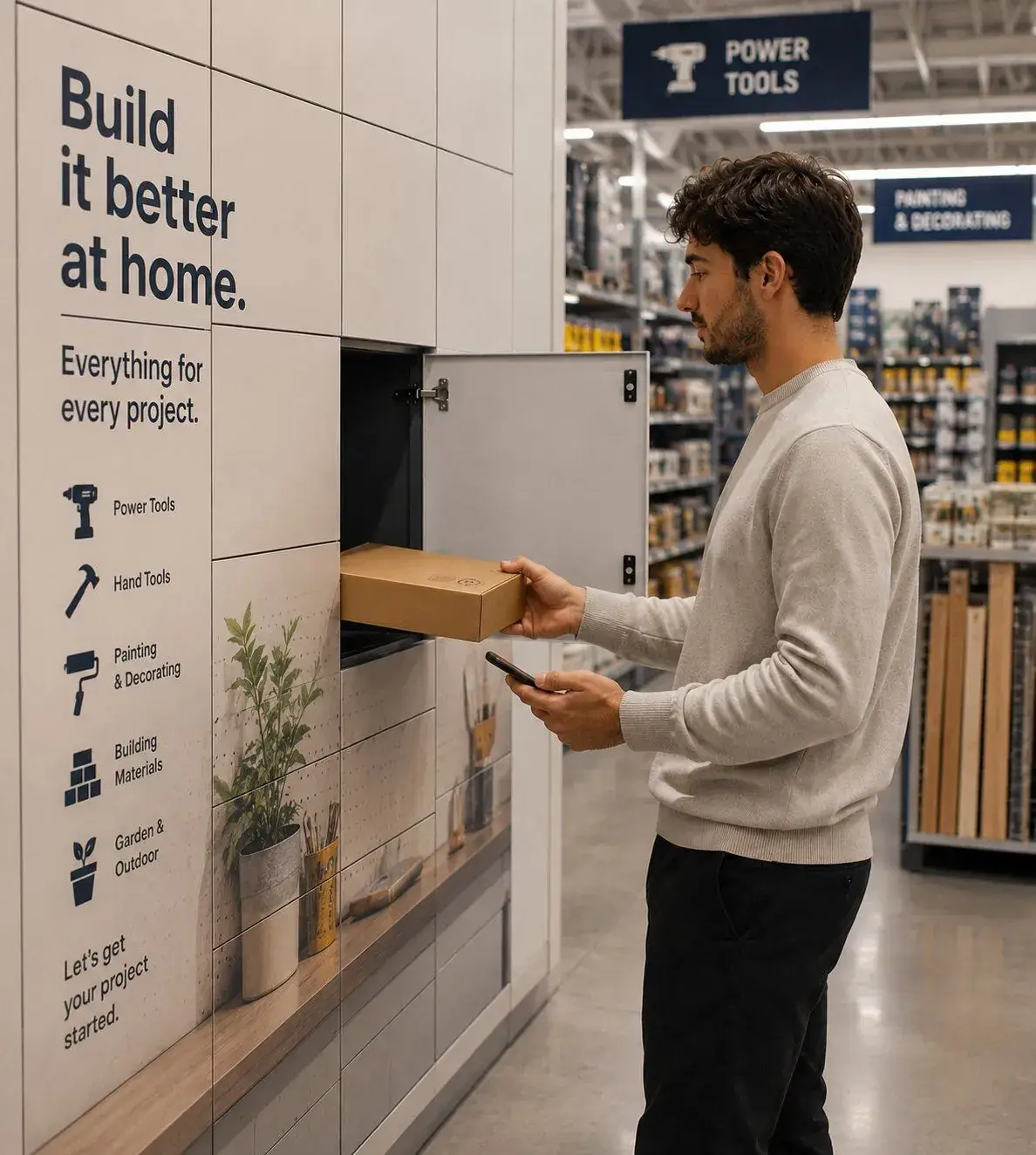
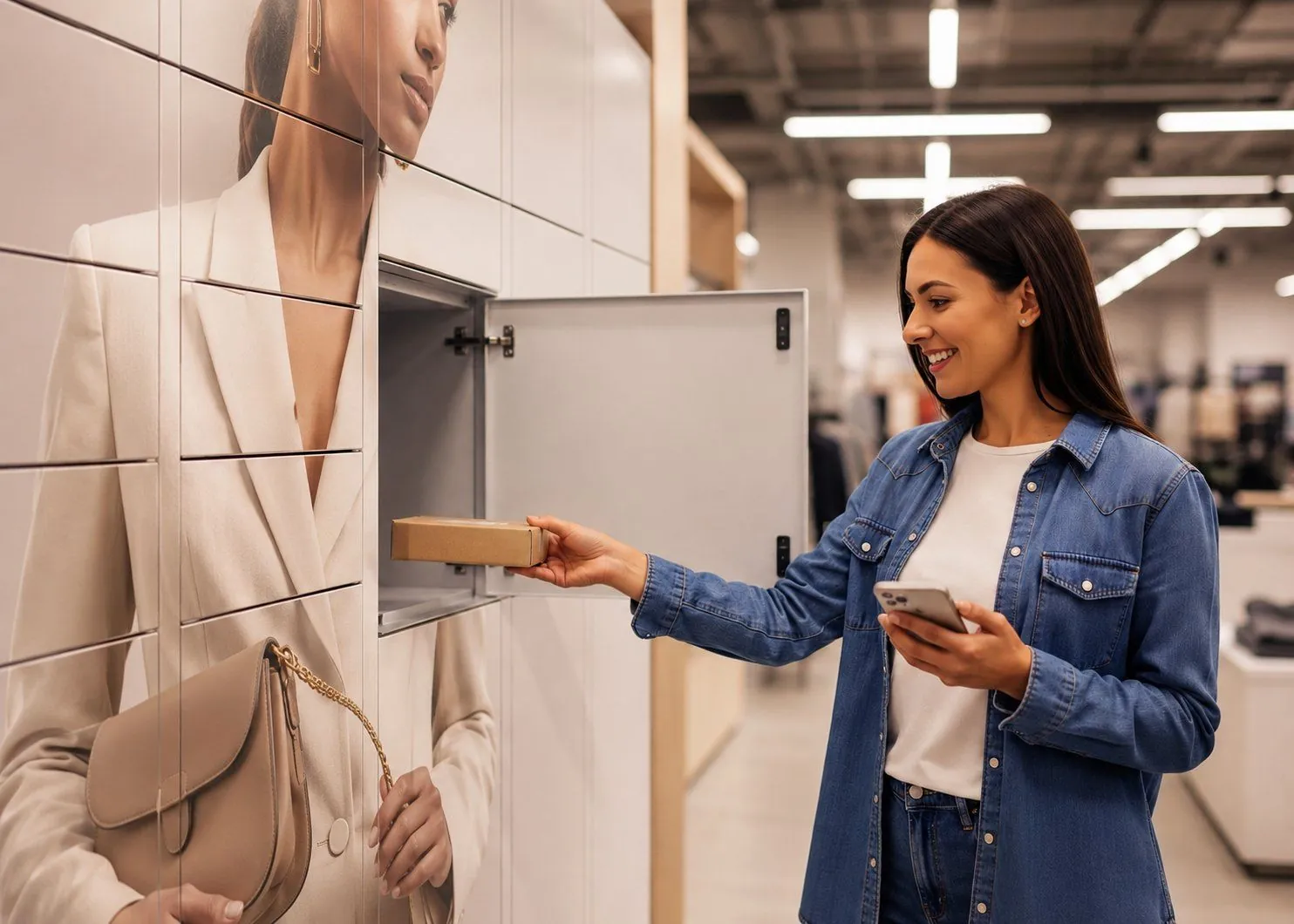
Retail: automating the final customer handover
A retailer may begin with an order becoming ready for collection.
That event creates or progresses the locker workflow. Suitable capacity is allocated, the order is loaded and the customer is notified. The customer authenticates, collects the order and the transaction is recorded.
Where systems are connected, that completed collection can also update the wider order status.
The automated journey might therefore look like:
Order ready → locker allocated → customer notified → customer authenticates → order collected → transaction recorded → order status updated
The objective is not simply to give the customer a locker. It is to reduce the amount of colleague involvement required to move an ecommerce order through its final collection stage.
Warehouse: automating asset issue and return
Warehouse operations have a different starting point.
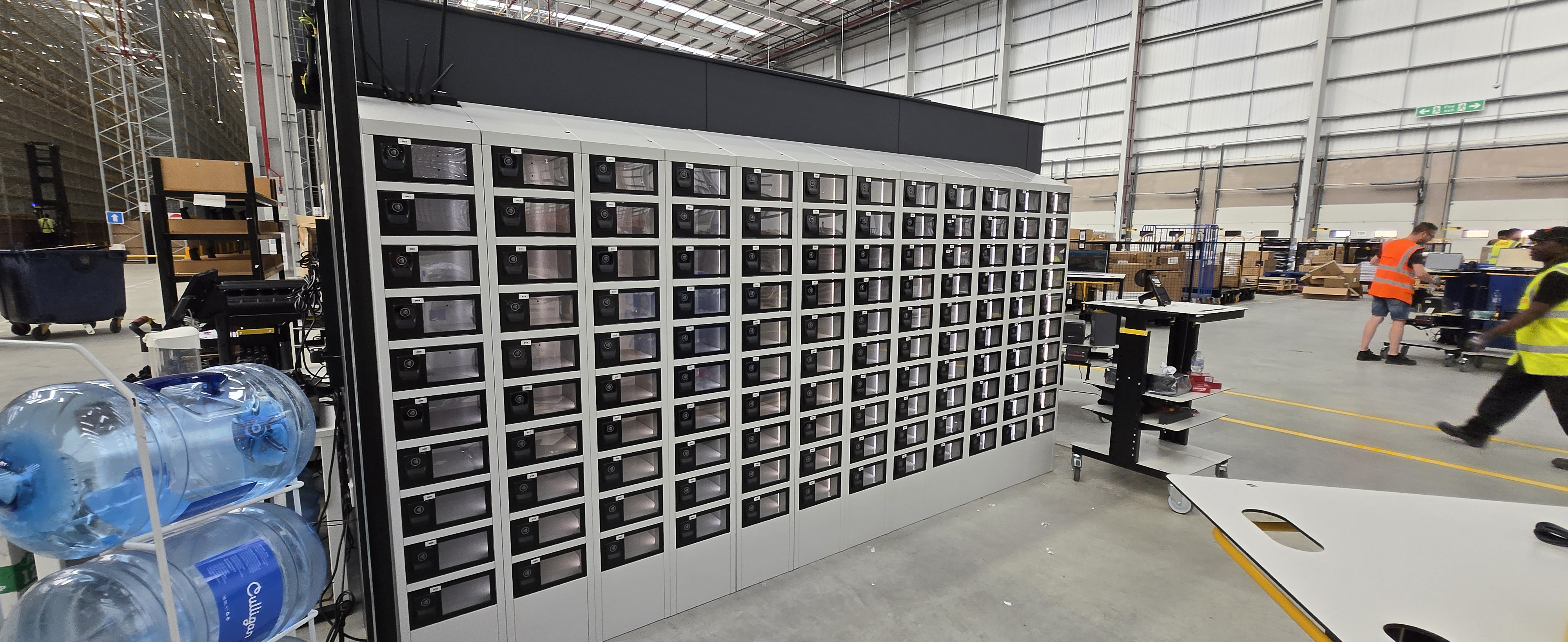
Shared equipment such as scanners, mobile computers and radios needs to move between users and shifts while remaining accountable.
An automated workflow can associate an operative with the appropriate equipment, control collection, record who took the asset and capture its return.
If the device is not returned as expected, the system can identify the exception rather than leaving somebody to reconcile assets manually.
The journey might look like:
Asset available → user authorised → device collected → usage recorded → device returned → asset status updated → device available for next user
Here, automation is being applied to asset control rather than customer fulfilment.
Workplace IT: automating equipment handovers
IT teams frequently need to coordinate physical equipment alongside digital service processes.
A replacement laptop may be approved quickly, but getting it to an employee can still involve arranging a time, finding an available IT colleague or moving equipment between locations.
An automated smart locker workflow allows the physical handover to become another stage within the service process.
For example:
Device request approved → replacement prepared → locker transaction created → employee notified → device collected → collection recorded → asset/service record updated
The locker solves the physical exchange. The automated system connects that exchange to what happens before and after it.
How much automation does an organisation actually need?
Not every organisation needs the same level of automation, and not every smart locker project should begin with a complex integration programme.
It is more useful to think of automation as a progression.
Controlled self-service
At the simplest level, smart lockers replace a manual physical handover. Users can collect or return items without another person needing to be present.
The surrounding process may still involve manual administration.
Workflow automation
Rules, notifications, permissions and exception handling begin to automate more of the transaction.
The system is no longer simply providing self-service access; it is managing the process around it.
Connected automation
The locker platform exchanges information with other business systems, removing additional administrative steps.
A completed transaction can update an order, asset, service or other operational record.
End-to-end orchestration
At the most connected level, the locker transaction becomes one event within a broader automated process.
The physical handover is triggered by what happens elsewhere in the organisation and its completion automatically progresses subsequent stages.
There is no requirement to begin at the final level.
For many organisations, the better approach is to identify the handover creating the greatest operational friction, automate it sufficiently to demonstrate value and then determine whether additional integration will produce a worthwhile return.
What are the benefits of automating the wider workflow?
The benefits of automation are slightly different from the benefits of the locker itself.
A smart locker can provide secure self-service and better accountability. Extending automation around it can address the wider administrative burden associated with the transaction.
Potential benefits include:
- fewer manual process steps;
- fewer administrative hand-offs between people or systems;
- less dependency on somebody being available to complete a transaction;
- more consistent processes across sites;
- automatic transaction records;
- faster visibility of exceptions;
- reduced duplication of data entry; and
- the ability to increase transaction volumes without manual effort necessarily increasing at the same rate.
That last point is particularly important in high-volume environments.
A manual process can appear manageable when transaction volumes are low. As collections, returns or asset movements increase, however, the people required to administer them can increase as well.
Automation changes that relationship.
The commercial question is therefore not simply whether the automated process is faster. It is whether the organisation can handle more activity with less incremental manual effort.
What should and shouldn't be automated?
Automation works particularly well when a process is repetitive, predictable and governed by clear rules.
If the same transaction occurs hundreds or thousands of times and human involvement adds little value, there is a strong case for examining whether more of it can be automated.
That does not mean every interaction should be.
Some situations require judgement. Others benefit from human service. Exceptions may need investigation, and unusual customer or employee circumstances may not fit neatly into a predefined rule.
The objective should therefore be to automate routine coordination rather than valuable human judgement.
A retailer may want colleagues available to help customers who need assistance, for example, without requiring those colleagues to manually hand over every straightforward Click & Collect order.
An IT team may still need technicians to diagnose complex problems while removing the need for those technicians to spend time coordinating routine equipment collections.
Good automation frees people from predictable administration so that their time can be used where it has greater value.
How should organisations evaluate an automated smart locker system?
It is easy to begin a smart locker procurement exercise by comparing cabinet sizes, door configurations and access technology.
Those questions matter, but they do not tell you how effectively the system can automate the process you are trying to improve.
Organisations should also consider questions such as:
- What events can trigger a workflow?
- What rules can be configured?
- How are users, assets and permissions managed?
- How are notifications generated?
- What happens when a transaction becomes overdue?
- How are exceptions surfaced?
- What information is recorded?
- Which existing systems can the platform connect to?
- Can workflows change as operational requirements develop?
- Can the same platform support different workflows?
- How does the process scale across multiple locations?
- What happens when connectivity or another system is unavailable?
The starting point should always be the existing process.
Map what happens today, identify the manual steps and understand where time, cost or visibility is being lost. Only then can you determine which parts of the workflow are worth automating.
Frequently asked questions
What is an automated smart locker system?
An automated smart locker system combines digitally controlled lockers with software, workflow rules and, where required, integrations to automate more of the process surrounding a collection, return or asset handover.
What is the difference between a smart locker and an automated locker system?
A smart locker provides digitally controlled access and records transactions. An automated locker system extends those capabilities into the surrounding workflow through rules, notifications, exception management and integrations.
Is a digital locker system the same as a smart locker system?
The terms are sometimes used interchangeably. In practice, digital locker or electronic locker may describe systems with electronically controlled access, while smart locker system generally implies a greater level of software management, connectivity and transaction data.
What can an automated smart locker system automate?
Depending on the application, it can automate activities including transaction creation, locker allocation, user notifications, access permissions, collection or return records, reminders, exception alerts, reporting and updates to connected systems.
Do automated smart lockers need to integrate with other software?
No. Smart lockers can automate a physical handover without deep integration. Connecting the platform to other systems can, however, remove additional manual administration before and after the locker transaction.
Can automated smart lockers manage both collections and returns?
Yes. The same underlying infrastructure can support items moving in both directions, including collections, returns, exchanges, asset issue and equipment return workflows.
Do automated locker systems need an app?
Not necessarily. Users can potentially authenticate through existing cards or fobs, secure browser-based journeys and other digital credentials depending on the system and application.
What happens if an automated transaction fails?
The system can identify exceptions such as failed authentication, overdue collections or unreturned assets and surface them for an appropriate automated or human response.
Are automated smart locker systems only suitable for large organisations?
No. The appropriate business case depends more on the frequency, cost and complexity of the handover process than simply the size of the organisation. Automation becomes particularly relevant where the same manual transaction occurs repeatedly or across multiple locations.
The locker is the handover point. Automation is the operating model around it.
It is easy to focus on the most visible part of an automated smart locker system: the bank of secure compartments.
But opening and closing doors is only one part of what the technology can do.
The greater opportunity lies in connecting the physical handover to the processes around it. A transaction can be triggered automatically, the right user can be given permission, notifications can be generated, the handover can be recorded, other systems can be updated and exceptions can be surfaced without somebody manually coordinating every stage.
That does not mean removing people from the operation.
It means removing people from the repetitive administration that does not require their judgement.
An automated smart locker system therefore does more than provide secure self-service. It turns the movement of an order, device or shared asset into a controlled, traceable and increasingly automated business workflow.