
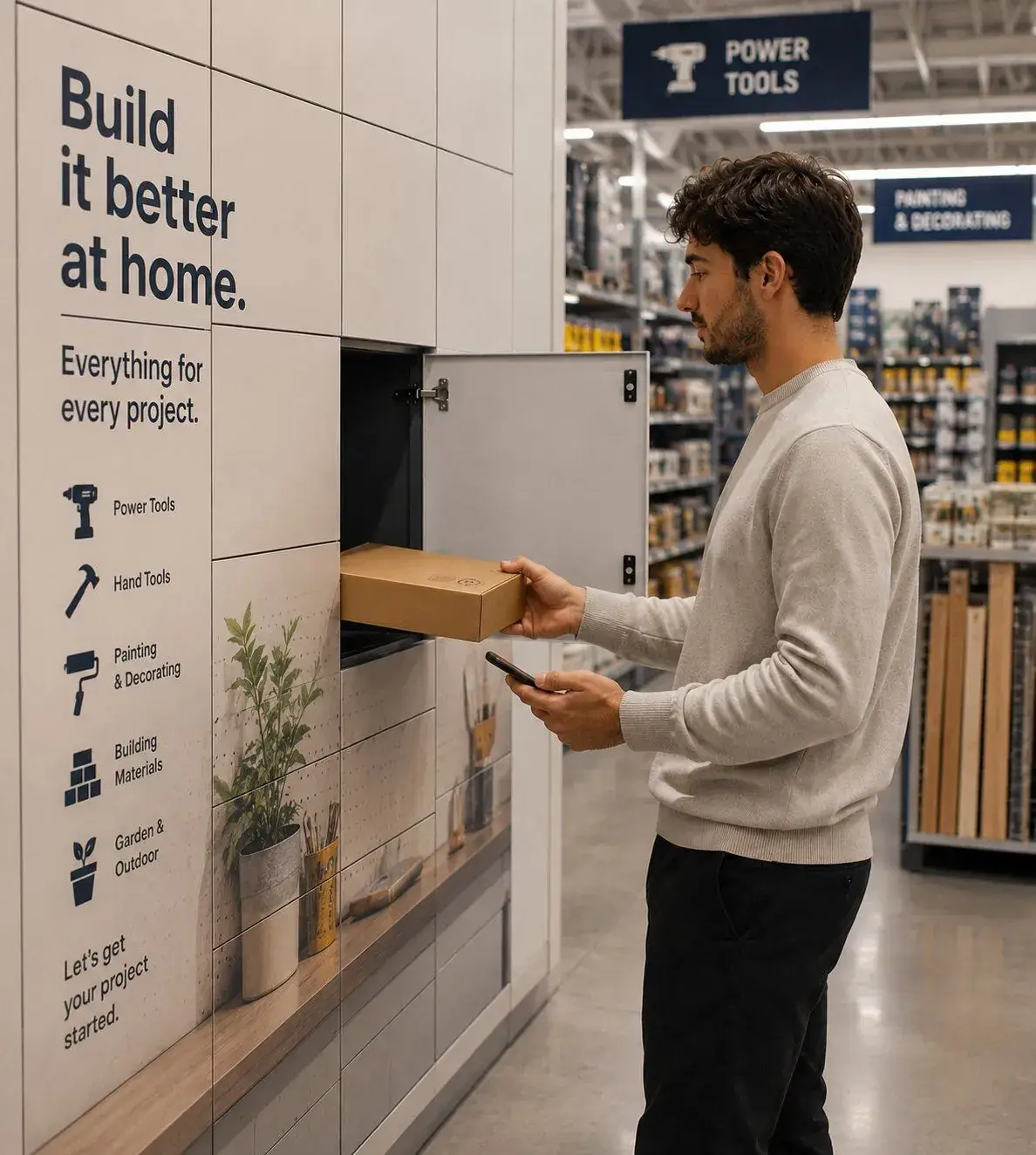
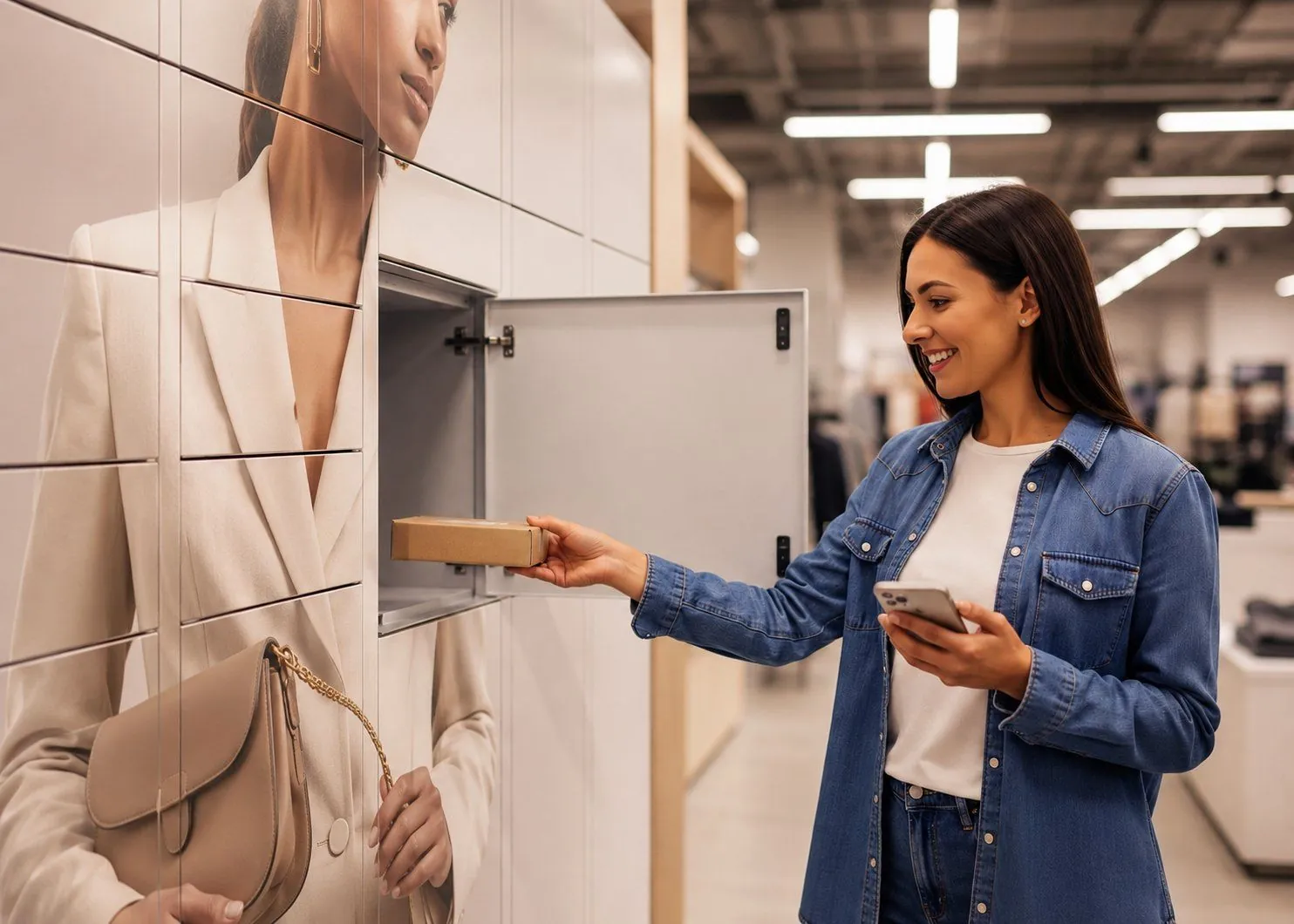
It is worth splitting one question into two. Powering the locker system means keeping the controller, the locks and, on screen-fronted systems, the screen alive so the bank can do its job. Charging devices inside the locker is a different thing, used when phones, radios or laptops need to top up while they sit there. People often mix the two up. They run on separate supplies and answer separate needs, so we will take them in turn.
Powering the locker system: standard mains
A banked smart locker unit is powered like most other equipment on site. It plugs into a standard mains supply through a single socket near the bank. That feed runs the controller that manages the doors, any touchscreen on the front, and the locks themselves. One socket usually covers a whole bank, not one per door, because the controller distributes power across the column from there.
For the site, the practical ask is small. A standard 13A socket within reach of where the lockers will stand is enough for most installs. If there is no socket close by, an electrician adds one, which is a short job and the kind of thing planned in before delivery rather than discovered on the day.
Power over Ethernet for networked locks
Where locks are wired and networked, many systems use Power over Ethernet, or PoE. It carries both the data and the electricity down one cable, so each lock does not need its own power lead alongside its network connection. The IEEE 802.3 standards behind it, 802.3af and the higher-power 802.3at, deliver up to roughly 15W and 25W per port, which is ample for a lock and its electronics.
The appeal is fewer cables and a tidier install. A single run from a PoE switch handles connection and power together, and the locks draw what they need from it. It suits new banks and sites where a data cable is being pulled to the lockers anyway.
Battery power for warehouse asset lockers
In a warehouse we often run the whole bank on battery power, and not as a compromise. Warehouse sites never stop moving: pick faces shift, lines are re-laid, mezzanines go in, and the lockers need to follow the work. A battery-powered bank has no cabling at all, so it can be lifted and repositioned as the site evolves instead of staying bolted to wherever the nearest socket happened to be.
It also changes the speed of a shift change. There is no single screen to queue at: each worker badges their own compartment and takes their kit, so many people collect at once and the shift starts on time. The locks talk to the software over a wireless link, every open and close is still logged, and the system flags any lock whose charge runs low, so a flat battery never takes a door out of service unannounced.
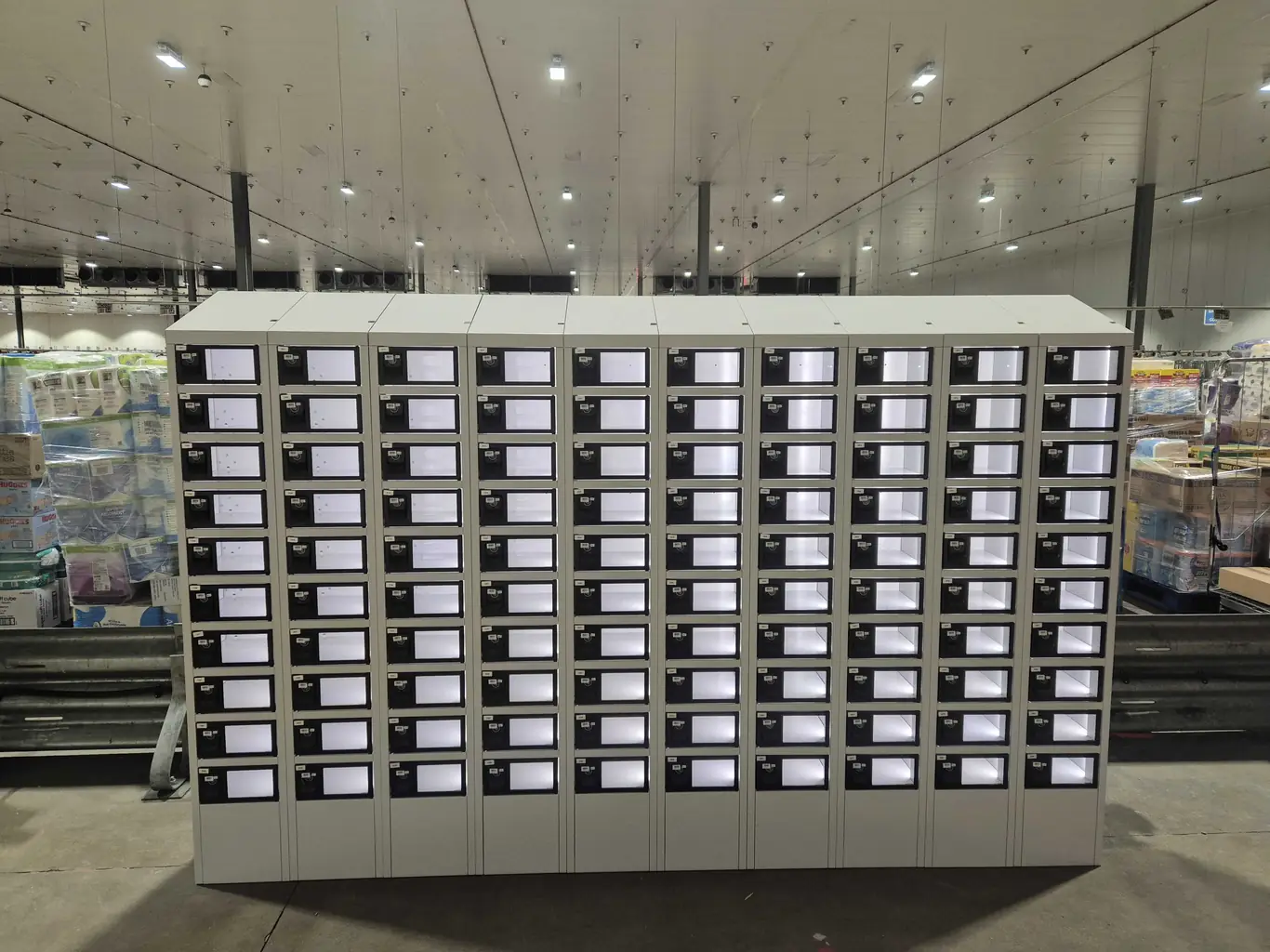
“On most sites a single mains socket and one network run does the job, and PoE keeps it to that one cable. In a warehouse we put the bank on battery power instead: it moves when the operation moves, and at shift change everyone badges their own door rather than queuing at a screen.”Billy Whiffen, Operations Director at eLocker · LinkedIn
No screens means less power, and solar within reach
One design choice does a lot of quiet work here: eLocker units do not use a touchscreen. The journey runs on the user's own phone or badge instead, so there is no display and no kiosk electronics drawing power around the clock. That makes an eLocker bank cheaper to run than a screen-fronted system, and it keeps the draw low enough that off-grid options become realistic: an outdoor unit can run from a solar panel and battery where a mains run is awkward or expensive. We cover how that works, and where it makes sense, in our note on solar-powered smart lockers.
The connectivity that comes with it
Whichever way the locks are powered, the system also needs to talk to the network, because the software is the part that logs every open and close. A wired bank usually carries that over the same Ethernet that powers it. A battery bank uses a low-power wireless link instead. Either way the power demand for the comms is modest, and it is folded into the supply the locks already use rather than being a separate thing to provision.
Charging lockers: powering the devices inside
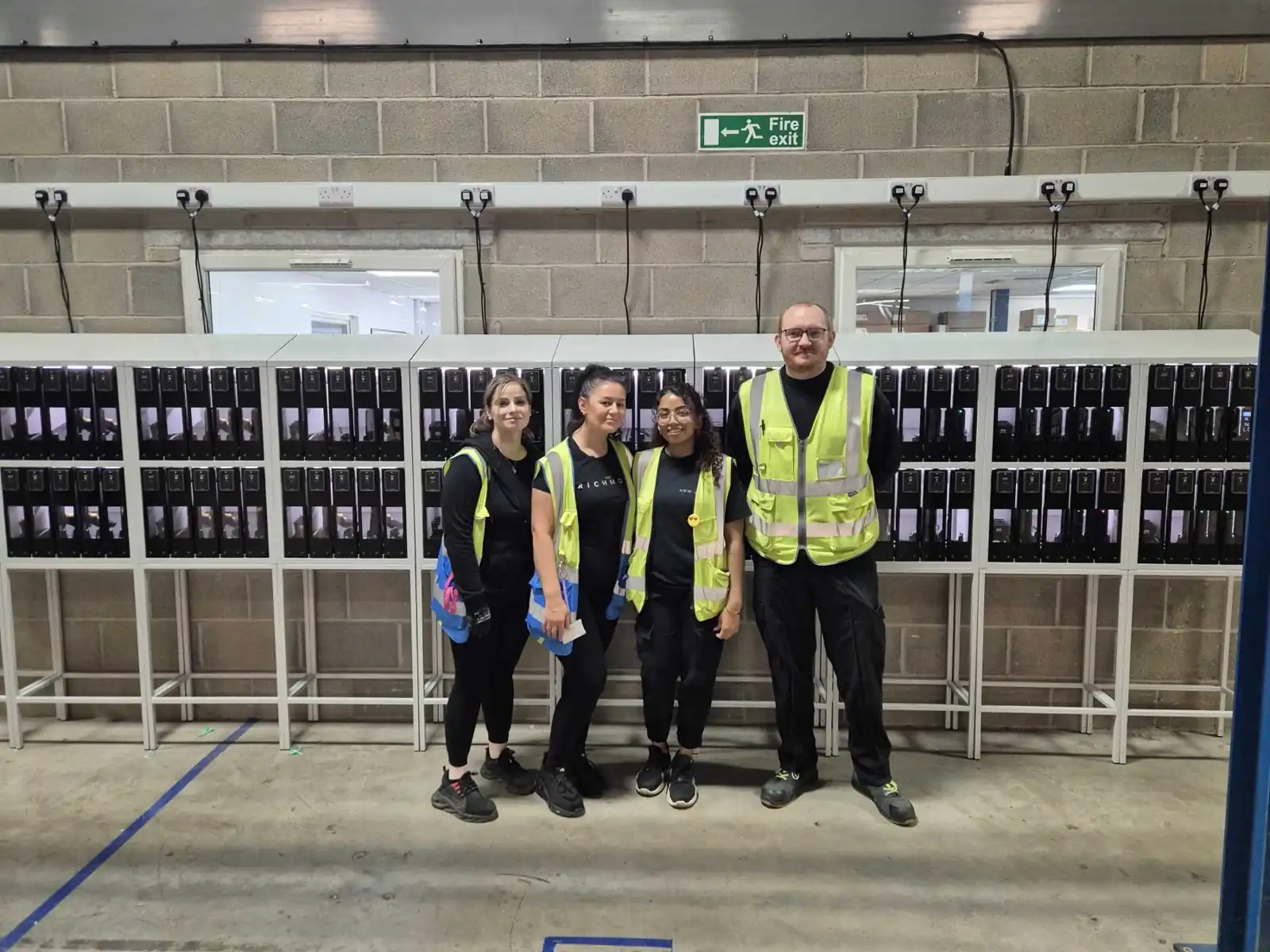
Charging is the part people picture when they ask about power, and it is genuinely separate from running the locker. A charging locker adds a power outlet, a USB point or a wireless pad inside each compartment, so a device tops up while it is stored. These are common where a workforce shares kit: phones, two-way radios, scanners and laptops go in at the end of a shift and come out charged for the next.
A charging bank needs a mains feed sized for the load, since every occupied compartment is drawing power at once rather than just the controller. That is the main difference at the planning stage. The workflow is otherwise the same as any other smart locker: a door opens on confirmed access, the deposit and collection are logged, and the device charges in between.
What a typical install needs from your site
The short version is that most installs ask very little of a site. A standard socket near the bank, and usually a network drop, covers the common case. A wired bank wants both, with PoE often doing power and data together. A battery bank may need neither. A charging bank wants a mains feed that suits the number of devices it will hold.
How eLocker approaches it
We treat power as part of the install plan, not an afterthought. The right answer depends on the site, so we scope it before delivery: a wired bank where a clean cable run makes sense, battery power where the bank needs to move with the operation, and a charging configuration where devices need to be ready for the next shift. Either way the software is doing the work, logging every event and reporting back. If the foundations are useful first, our explainer on what a smart locker is sets out the wider picture.
Power tends to sit alongside the other practical questions buyers raise, and we cover those separately so each gets a straight answer: how secure smart lockers are, whether they have CCTV, whether they need planning permission, whether they are waterproof, whether you can get refrigerated units, and whether they can run on solar power.