A practical guide to how Click & Collect lockers work, from order deposit and customer notification to self-service collection, transaction logging and the technology behind the handover.
Click & Collect has become a familiar part of modern retail. Customers place an order online, choose a convenient store and collect their purchase rather than waiting for a home delivery.
The digital part of that journey can be highly automated. The physical handover often isn't.
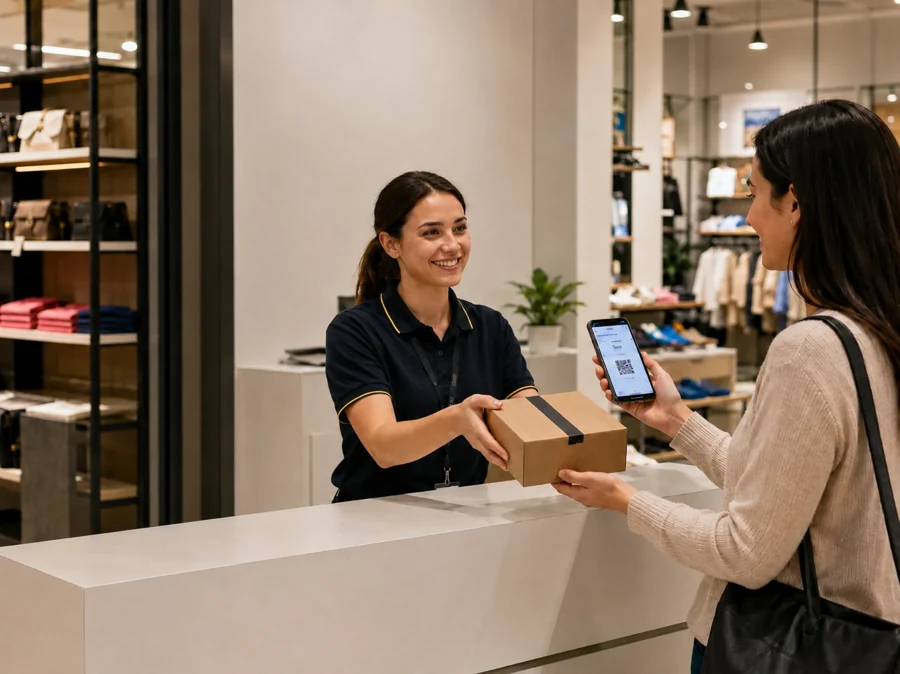
When a customer arrives in store, they may still need to find the collection desk, wait for a colleague, provide their order details and then wait again while somebody retrieves the parcel from a back room. For the customer, that introduces friction into a service they chose for convenience. For the retailer, every collection creates another manual transaction for store colleagues to manage.
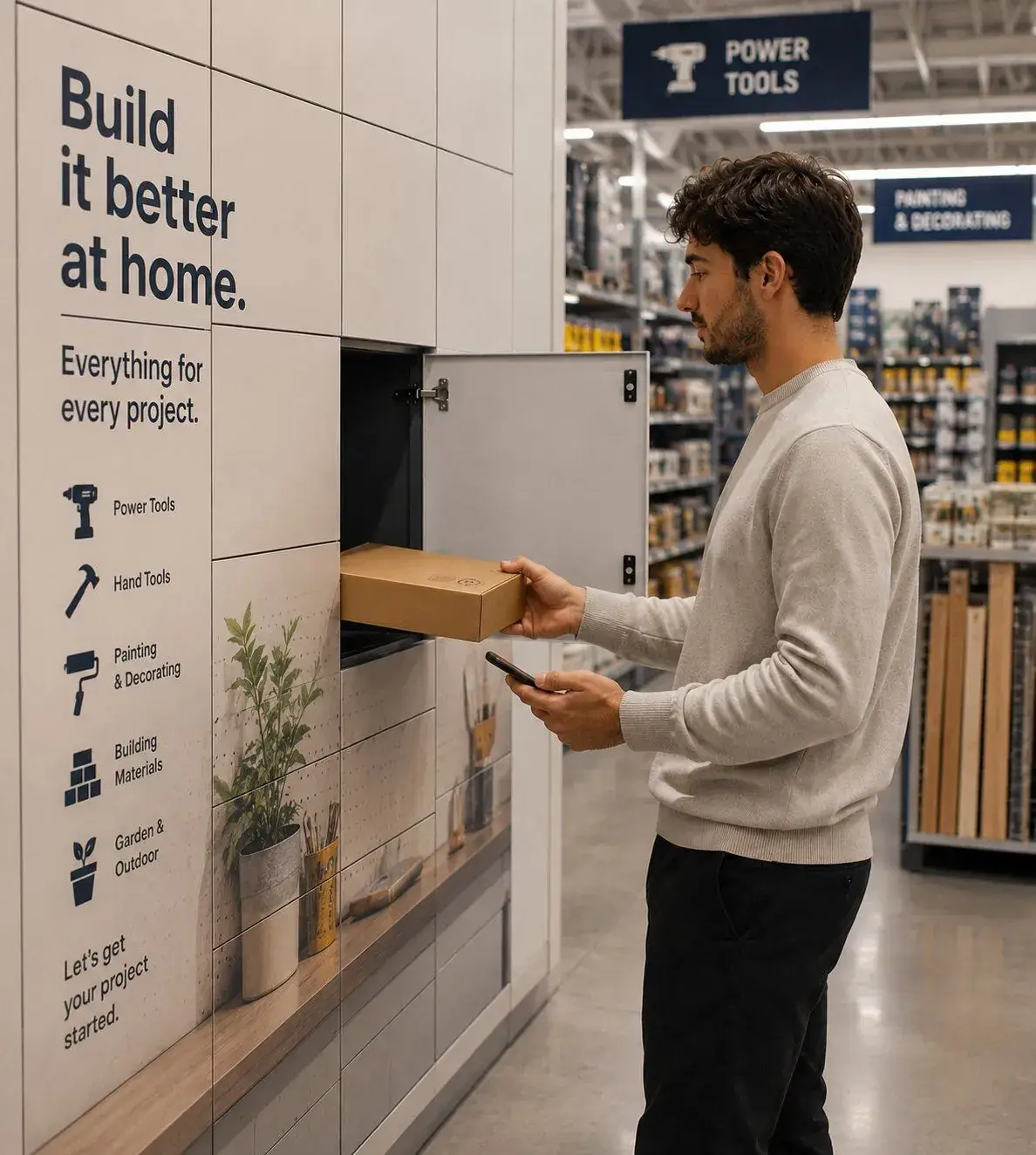
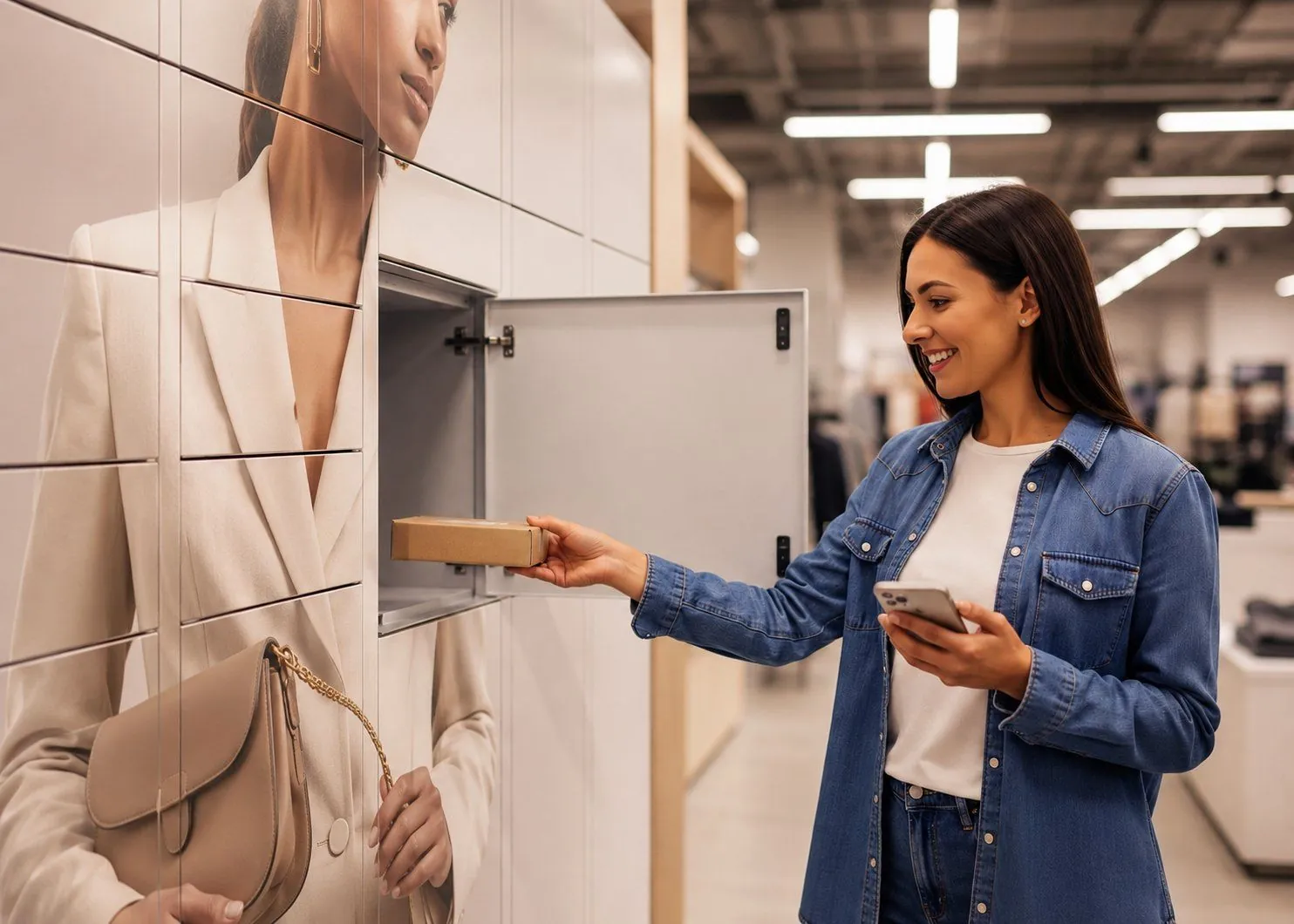
Click & Collect lockers change that final stage of the journey. Instead of requiring a colleague to personally retrieve and hand over every order, prepared purchases are placed into secure compartments where customers can collect them through an authorised self-service process.
The locker itself is only the handover point. The wider system connects the physical order with the customer, controls access and records when the collection takes place.
What is a Click & Collect locker system?
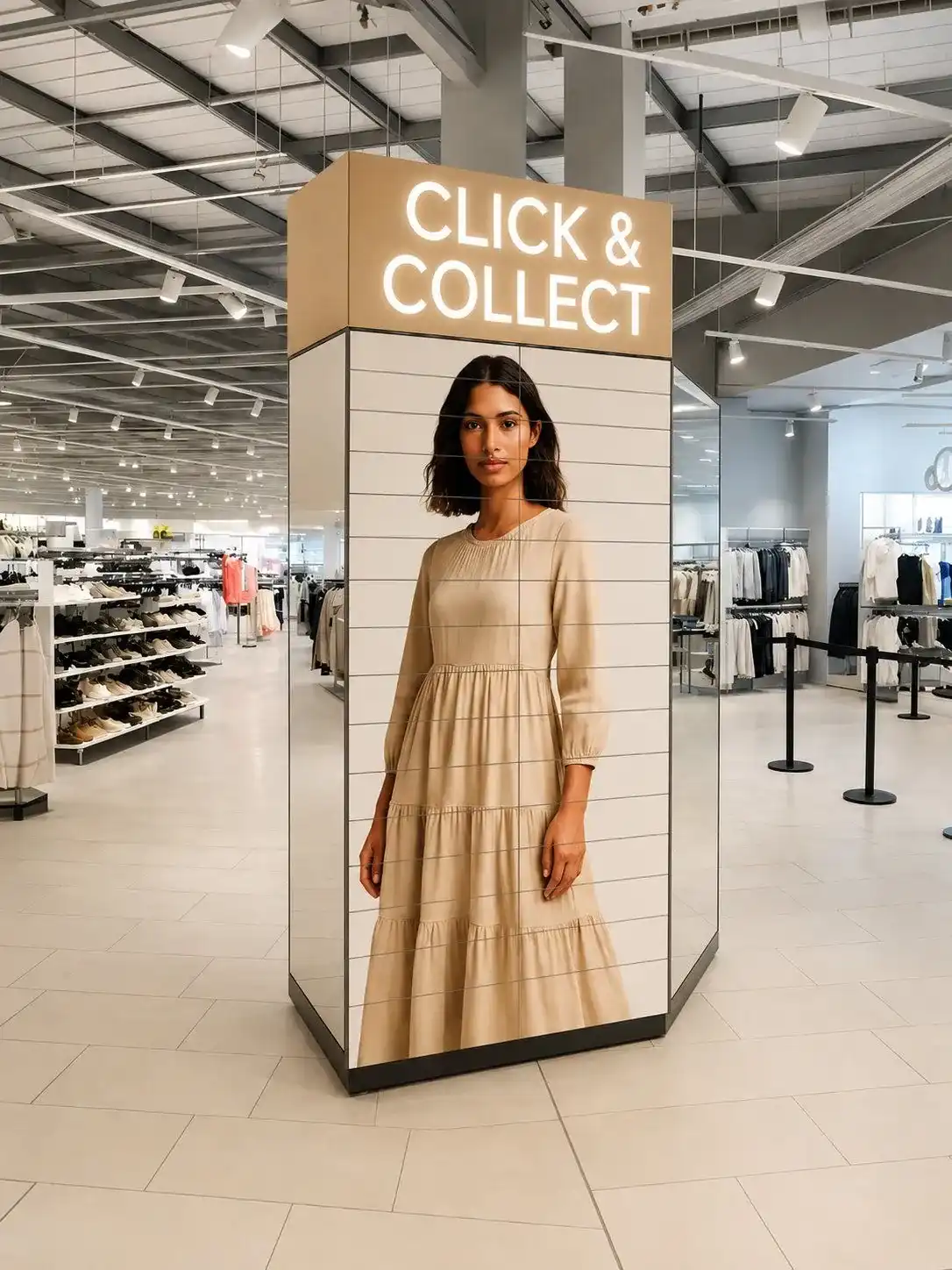
A Click & Collect locker system combines secure compartments, electronically controlled access and software to automate the final handover of an online order.
Once an order has been prepared, a colleague places it into an appropriate locker compartment. The customer is notified that it is ready and given instructions for collection. When they arrive, they authenticate through the approved journey and the system releases the correct door.
The completed collection can then be recorded digitally.
This creates an important distinction between a Click & Collect locker and simple parcel storage. The objective is not simply to keep the order somewhere secure until the customer arrives. It is to create a controlled workflow that allows the final handover to happen without requiring a colleague to be present.
For retailers handling growing volumes of online orders through physical stores, that can change both the customer experience and the economics of collection.
How does the Click & Collect locker journey work?
Individual systems and retailers will configure the process differently, but most locker-based collections follow four broad stages.
| Stage | What happens |
| Deposit | The prepared order is placed into an appropriate compartment and associated with the customer transaction |
| Notify | The customer is told that the order is ready and how to collect it |
| Collect | The customer authenticates and the correct locker door opens |
| Log | The completed collection is recorded against the transaction |
What makes this process different from a staffed collection desk is not any one of these stages. It is the way they combine to remove the need for a colleague to coordinate the final handover.
Depositing the order
The process begins once the retailer has prepared the customer's order.
Rather than placing the parcel onto a shelf or into a back-room collection area, a colleague loads it into an available locker compartment. The order is associated with that compartment so the system knows which customer should subsequently be allowed to access it.
The appropriate locker may depend on the size of the order and the available capacity. Different compartment sizes can therefore be used within the same installation to accommodate a broader mix of purchases.
Once the order has been deposited and the door secured, the physical preparation for collection is effectively complete. The parcel is already positioned at the point where the customer will receive it, removing the need for somebody to locate it again when they arrive.
Notifying the customer
The next stage is to tell the customer that their order is ready.
Depending on the retailer and system, this may happen by SMS, email or another digital notification. The message can provide the information needed to complete the collection, including where to go and how to authenticate.
This part of the journey is more important than it can initially appear.
A self-service process only works well if customers understand what they are expected to do. If the collection message is unclear, the operational burden simply moves elsewhere as customers seek help from store colleagues.
The best locker journeys therefore aim to make the transition from notification to collection as intuitive as possible.
Collecting the order
When the customer arrives, they authenticate using the method configured by the retailer.
Once the system confirms that they are authorised to collect the order, the appropriate compartment is released. The customer removes the parcel, closes the door and continues with their visit.
From the customer's perspective, this should be the simplest part of the journey.
There is no need for them to know how the locker software works or how the order was allocated. They simply need to identify themselves and receive access to the right purchase.
This is also where the operational difference between lockers and a conventional collection desk becomes most visible.
A staffed desk is largely sequential. One customer is served, followed by another. A locker bank allows different customers to access separate compartments at the same time, so collection capacity is no longer constrained in quite the same way by the number of colleagues available at the desk.
Recording the collection
Once the order has been collected, the transaction can be recorded.
The exact information retained depends on the system and retailer, but it may include the order reference, collection time, compartment used and transaction status.
That creates a digital record of the physical handover.
If an order remains uncollected, the retailer can identify it as outstanding. If a question later arises about whether a customer accessed the locker, there is a transaction history to investigate.
The collection therefore becomes more than a door opening. It becomes a traceable event within the wider fulfilment journey.
What technology sits behind the collection process?
The customer interaction may last only a few seconds, but several elements need to work together behind it.
The physical compartments provide secure temporary storage, while electronic locks control access to individual doors. The management software connects each order with the appropriate compartment and authorised customer, while connectivity allows the locker hardware and software platform to exchange information.
Authentication then provides the link between the digital transaction and the person standing in front of the locker.
Different systems approach this in different ways. Some use central kiosks or touchscreens. Others allow the customer to authenticate through their own mobile device, using a secure browser journey or another digital credential.
The distinction matters because the user interface can affect the capacity of the collection point.
If every customer has to interact with one central screen before collecting their order, the technology can inadvertently introduce another sequential step. A mobile-led journey allows customers to authenticate independently and access different compartments simultaneously.
For the retailer, the technology therefore needs to be evaluated as a complete customer and operational journey rather than as a collection of individual hardware features.
Why automate the final handover?
The business case for Click & Collect lockers is often found in a part of retail operations that is easy to underestimate: cost-to-serve.
A manual collection can involve several small activities. A colleague may need to verify the customer, walk to a back room, locate the parcel, return to the desk, complete the handover and update the order.
Three or four minutes of colleague time may appear insignificant. Across thousands of transactions and a large store estate, it becomes a recurring operational cost.
Peak periods magnify the problem. As more customers arrive, queues grow and additional colleagues may be pulled into the collection process. The retailer can find itself using increasingly valuable store labour to support a service customers often perceive as free.
A locker does not eliminate all of that work. Somebody still needs to prepare the order and load it into the appropriate compartment.
What changes is the final interaction.
Once the parcel is deposited, the customer can complete the routine handover independently. This allows retailers to handle more collections without the labour required at the collection point necessarily increasing at the same rate.
That makes the commercial question less about whether lockers are convenient and more about how much it currently costs to hand an online order to a customer.
What changes for the customer?
Customers choose Click & Collect for different reasons. Some want to avoid delivery charges. Others do not want to wait at home for a parcel. For some, collecting from a store simply fits more easily into their day.
Whatever the motivation, convenience is central to the proposition.
A collection process that requires the customer to join a long queue undermines that promise.
Smart lockers can remove some of that friction by allowing the customer to move from arrival to collection without waiting for a colleague to become available.
A well-designed journey can offer several practical improvements:
- a clear notification when the order is ready;
- a straightforward collection process;
- reduced or eliminated queuing for routine handovers;
- secure access to the correct order;
- the ability for several customers to collect simultaneously; and
- a consistent experience that becomes familiar with repeated use.
The emphasis should be on reducing customer effort, not simply introducing self-service.
If a customer has to download an unfamiliar application, navigate a confusing interface or seek help from a colleague to understand the locker, the retailer has simply replaced one form of friction with another.
How does a locker compare with a staffed collection desk?
The two approaches ultimately perform the same task: transferring an order from the retailer to the customer.
The difference is how much human coordination is required to make that happen.
| Staffed collection | Locker collection |
| Customer waits for an available colleague | Customer can begin the collection independently |
| Colleague verifies the transaction | Authentication is handled digitally |
| Colleague retrieves the order | Order is already positioned at the handover point |
| Handover happens one customer at a time | Multiple customers can potentially collect simultaneously |
| Transaction may require manual action | Collection can be recorded digitally |
| Capacity depends heavily on available labour | Capacity depends more on locker availability and workflow |
This does not mean lockers should replace every staffed interaction.
There will always be customers who need assistance, orders that do not fit the standard process and exceptions that require human judgement.
The opportunity is to prevent those exceptions from dictating how every routine collection is handled. When straightforward transactions become self-service, colleagues remain available for customers and situations where their involvement genuinely adds value.
Where are Click & Collect lockers used?
The basic workflow can be adapted to a wide range of retail environments.
Fashion and general merchandise retailers may use lockers for conventional ecommerce orders. Grocery retailers can use temperature-controlled configurations for ambient, chilled and frozen collections. DIY and trade retailers may use larger compartments to support customers collecting pre-ordered goods before travelling to a job.
The physical configuration changes, but the underlying principle remains the same: prepare the order once, position it securely at the handover point and allow the authorised customer to collect it independently.
For retailers considering the wider applications of the technology, including returns, grocery, trade collection and other self-service journeys, these are better treated as part of the broader retail smart locker landscape rather than as extensions of the Click & Collect workflow itself.
Can Click & Collect lockers also handle returns?
Potentially, yes.
The same smart locker infrastructure can support goods moving in the opposite direction. Instead of the retailer placing an order into the compartment for collection, the customer can be authorised to deposit an item as part of a returns process.
However, the workflow is different.
A collection begins with the retailer preparing an item for the customer. A return begins with the customer putting an item back into the retailer's operation, potentially triggering inspection, refund and reverse-logistics processes afterwards.
For that reason, retailers should think about collections and returns as related but distinct workflows rather than assuming that automating one automatically solves the other.
What happens when an order isn't collected?
Not every customer arrives when expected.
In a manual environment, uncollected orders can gradually accumulate in the collection area and may need to be identified through periodic checks.
A digitally managed locker process makes the status of the transaction clearer.
The system can identify that the order remains in the compartment beyond the expected collection period. Depending on the workflow, that can trigger a reminder, flag the transaction for intervention or begin whatever process the retailer uses for expired collections.
This is an important aspect of automation.
The purpose is not simply to process successful collections more quickly. It is also to make the exceptions easier to identify.
Instead of colleagues checking every order to determine what has happened, attention can be directed towards the relatively small number that have not followed the expected journey.
Do Click & Collect lockers need to integrate with ecommerce systems?
They can, but the appropriate level of integration depends on the retailer and the workflow.
At the most connected level, events within the retailer's order-management environment can trigger actions within the locker process, while a completed collection can feed information back into the wider order status.
This reduces manual hand-offs between systems.
However, deep integration is not necessarily a prerequisite for proving the value of locker-based collection.
A retailer may choose to begin with a more contained pilot, establish whether self-service collection improves customer experience and cost-to-serve, and then determine where additional integration would remove further operational effort.
The objective should be to solve the handover problem rather than create unnecessary technical complexity around it.
What should retailers look for in a Click & Collect locker system?
It is easy to focus on the most visible aspects of the product: how many doors there are, what sizes are available and how the lockers look inside the store.
Those questions matter, but the quality of the overall workflow is more important.
Retailers should consider how quickly colleagues can deposit orders, how customers authenticate, whether several people can collect simultaneously and how clearly exceptions are surfaced.
The system should also fit the realities of the store environment.
Questions worth considering include:
- Does the customer need to download an app?
- Can customers use their own mobile device?
- How quickly can colleagues deposit orders?
- Can multiple customers collect at the same time?
- What happens when an order is not collected?
- How are collections recorded?
- Can the system support different compartment sizes?
- How does it handle customers who need assistance?
- What reporting is available?
- Can it connect with existing retail systems?
- How is customer and transaction data protected?
- Can the workflow be adapted as collection volumes grow?
These questions shift the evaluation away from buying a bank of lockers and towards designing a better collection process.
How should retailers measure whether lockers are working?
A pilot should be measured against the process it replaces.
If the existing collection journey has not been quantified, it is difficult to know whether the technology has genuinely improved it.
Useful baseline measures might include average colleague handling time per collection, customer waiting time, cost per handover, transactions per hour, percentage of collections requiring intervention and the number of uncollected or disputed orders.
Customer satisfaction should also be considered.
The ideal outcome is not simply a cheaper transaction. It is a collection journey that requires less effort from both the retailer and the customer.
This is why the most useful business case usually begins with the existing process.
How many orders are collected? How long does each handover take? How many colleagues are involved? What happens at peak? Where do customers wait? What does the retailer currently spend making the final handover happen?
Those figures establish what the locker system actually needs to improve.
Frequently asked questions about Click & Collect lockers
What is a Click & Collect locker?
A Click & Collect locker is a secure, digitally controlled compartment that allows a customer to collect a prepared retail order through an authorised self-service journey.
How do Click & Collect lockers work?
The retailer places the prepared order into a locker and associates it with the customer. The customer is notified, authenticates when they arrive and gains access to the correct compartment. The completed collection is then recorded.
Do customers need an app to use Click & Collect lockers?
Not necessarily. Depending on the system, customers may be able to use a secure browser-based journey, QR code, PIN or another form of digital authentication without downloading an app.
Can several customers collect orders at the same time?
Yes. Where the system and physical layout support it, customers can access separate compartments simultaneously. This can provide greater throughput than a single staffed collection point.
Can Click & Collect lockers be used for grocery orders?
Yes. Temperature-controlled locker configurations can support ambient, chilled and frozen products where required.
Can the same lockers be used for returns?
Yes, suitable smart locker infrastructure can support both collections and returns, although the operational workflow for a return differs from a customer collection.
What happens if a customer doesn't collect their order?
The system can identify the transaction as outstanding. Depending on the retailer's workflow, this can trigger a reminder, alert or process for dealing with expired collections.
Are Click & Collect lockers secure?
Access to individual compartments is controlled digitally so only an authorised transaction should release the relevant door. The system can also maintain a record of locker activity to support traceability.
Can Click & Collect lockers integrate with existing retail systems?
Yes. Depending on the platform, locker workflows can integrate with ecommerce, order-management and other retail systems to reduce manual administration around the collection process.
The value lies in improving the final handover
Click & Collect lockers are easy to view as another piece of store hardware. Their more important role is operational.
Retailers have invested heavily in making ecommerce transactions faster and easier, but the value of that investment can be undermined if the final few metres of the journey still depend on queues, manual searches and colleague availability.
A locker moves the prepared order to the point of collection before the customer arrives. Software controls who can access it, and the transaction creates a record when the handover takes place.
That makes routine collections less dependent on somebody being available to serve the customer at exactly the right moment.
For the customer, the result should be a faster and more convenient collection. For the retailer, it can mean lower manual effort, greater peak capacity and a more scalable way to support growing Click & Collect volumes.
The technology matters, but the real objective is simpler: make the final handover work better.